Copying, printing and sharing
Copy verses and references, print passages, or share a link to what you've found.
Copying verses Select one or more verses and press Copy, or right-click and choose Copy verse.
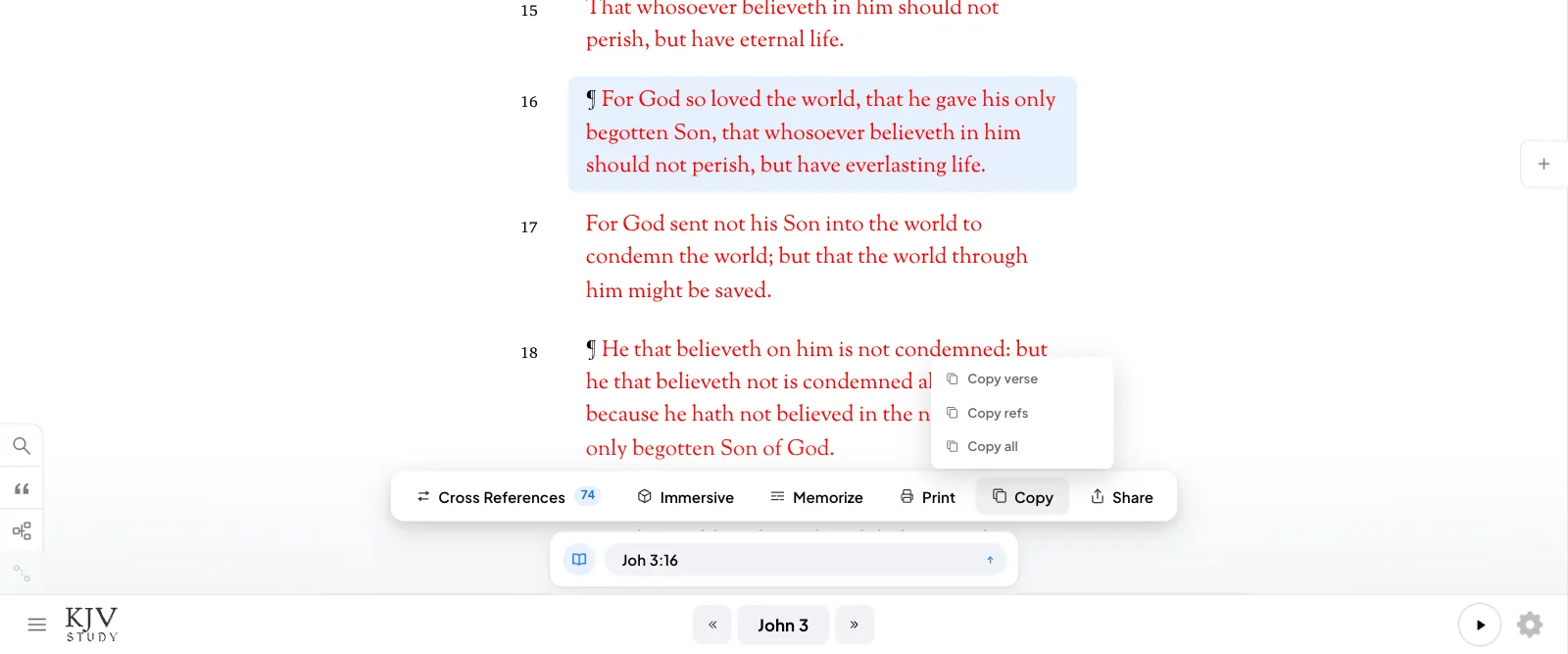
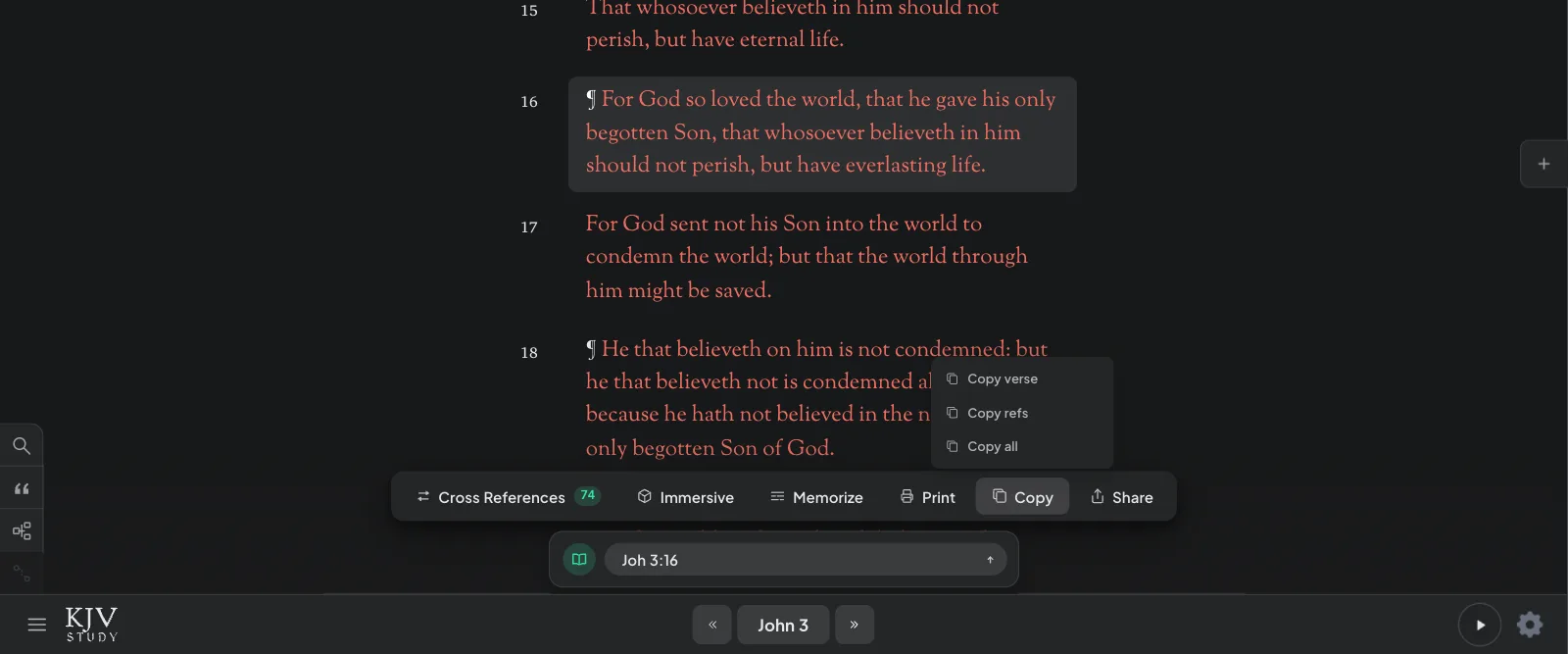
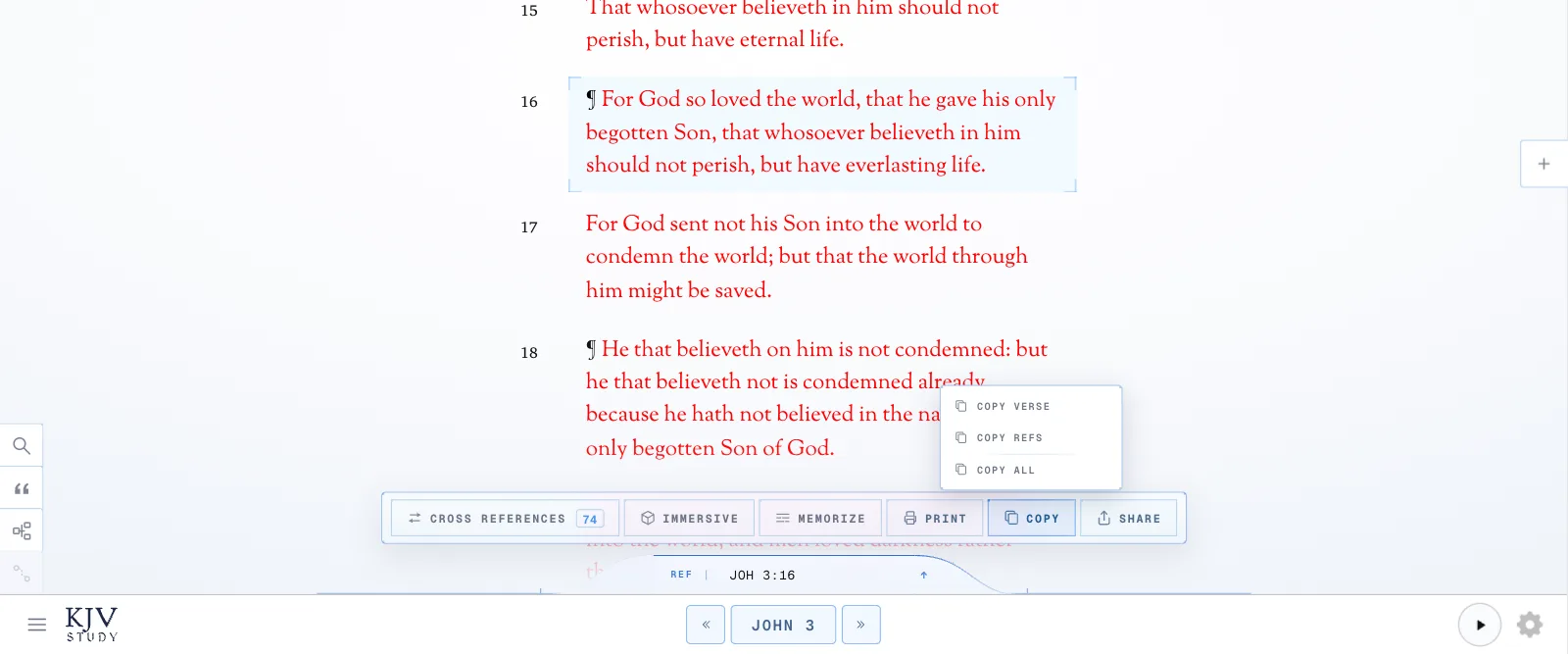

Select one or more verses and press Copy, or right-click and choose Copy verse. The text and reference are ready to paste:
- Copy verse: copy the verse and its reference. Multiple verses appear one per line, with "..." where verses are skipped and a single reference at the end.
- Copy refs: copy only the verse's cross references, separated by semicolons.
- Copy all: copy the verses followed by their cross references.
- Copy highlighted text: copy only the words you've selected.
Printing Choose Print in the verse bar or Print verse in the right-click menu to print your selected verses.
Choose Print in the verse bar or Print verse in the right-click menu to print your selected verses. You can also print a whole chest or export a Bible as a PDF. See My Bibles.
Sharing a link Share opens a card with the verse and a link to its own page.
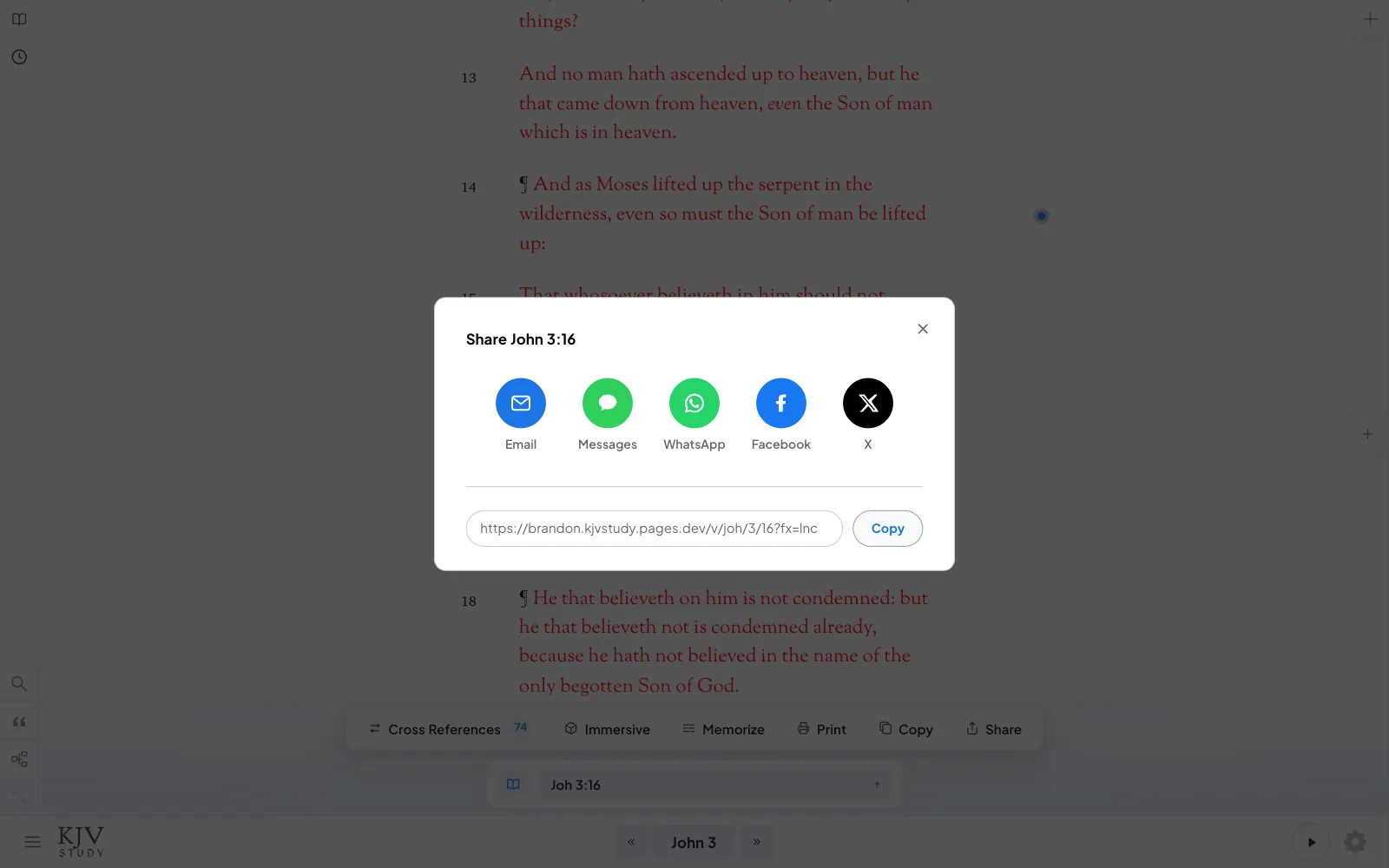

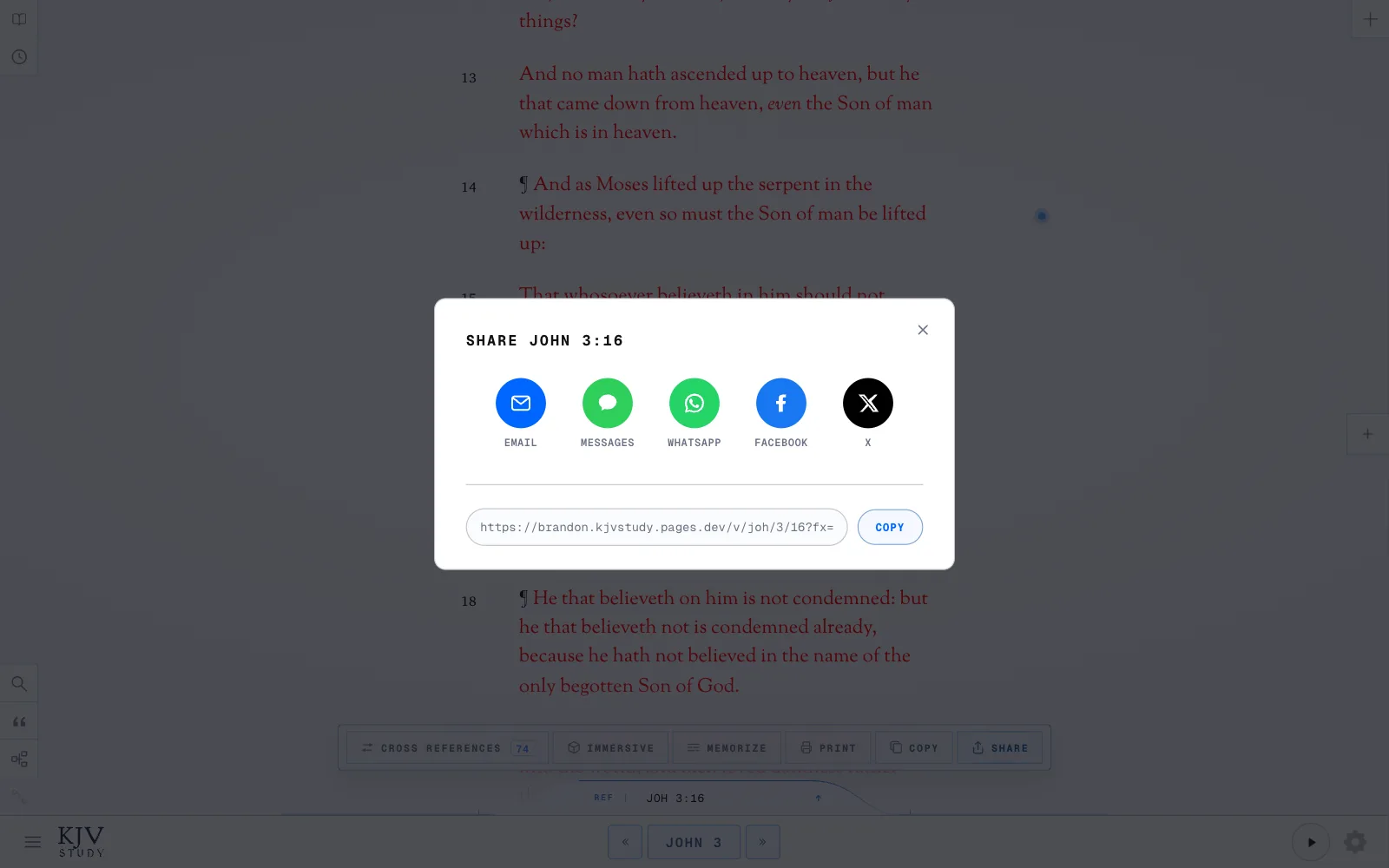

Share opens a card with the verse and a link to its own page. Use Email, Messages, WhatsApp, Facebook or X, or choose Copy to copy the link. The shared page displays the verse on its own, with Memorize close at hand.
Chests, paths, searches and Reference Trees each have their own sharing links. When you're signed in, Post in the verse bar shares a verse to the Community.