Journeys
Follow journeys in Scripture on a map, one stage at a time, with the passages beside them.
Opening a journey The journey icon is always available in the bottom-left corner of the reading and under Journeys in Go Deeper.
The journey icon is always available in the bottom-left corner of the reading and under Journeys in Go Deeper. When your chapter is part of a journey, the icon lights up and its label names the journey. Open it to see that part of the route. Otherwise, the icon is faint and opens the first journey, "Abram out of Ur".
Press the journey's name at the top of the window to choose another.
Inside the window On the left, read the chapters that describe the journey, with the verse for the current stage highlighted and brought into view.
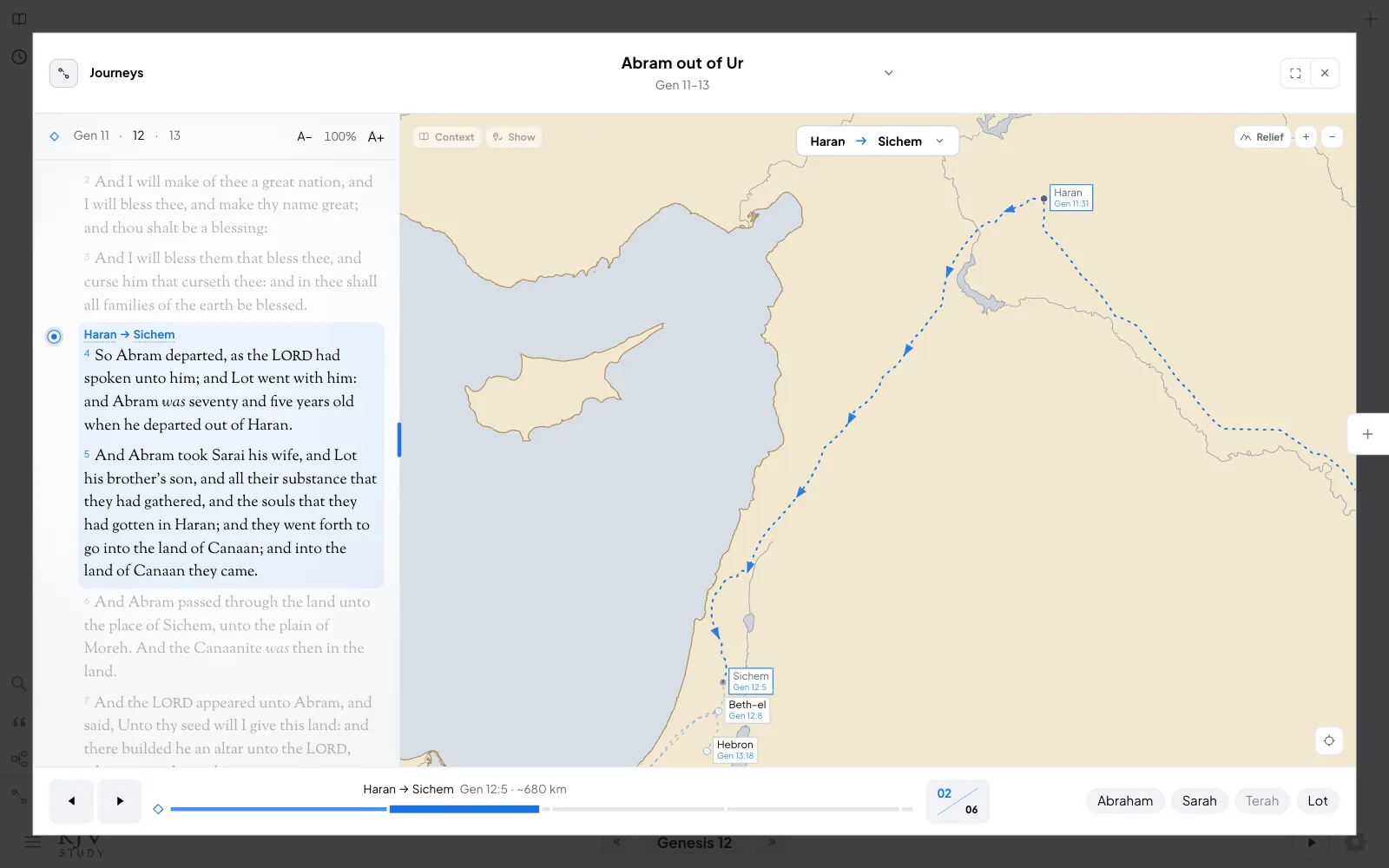
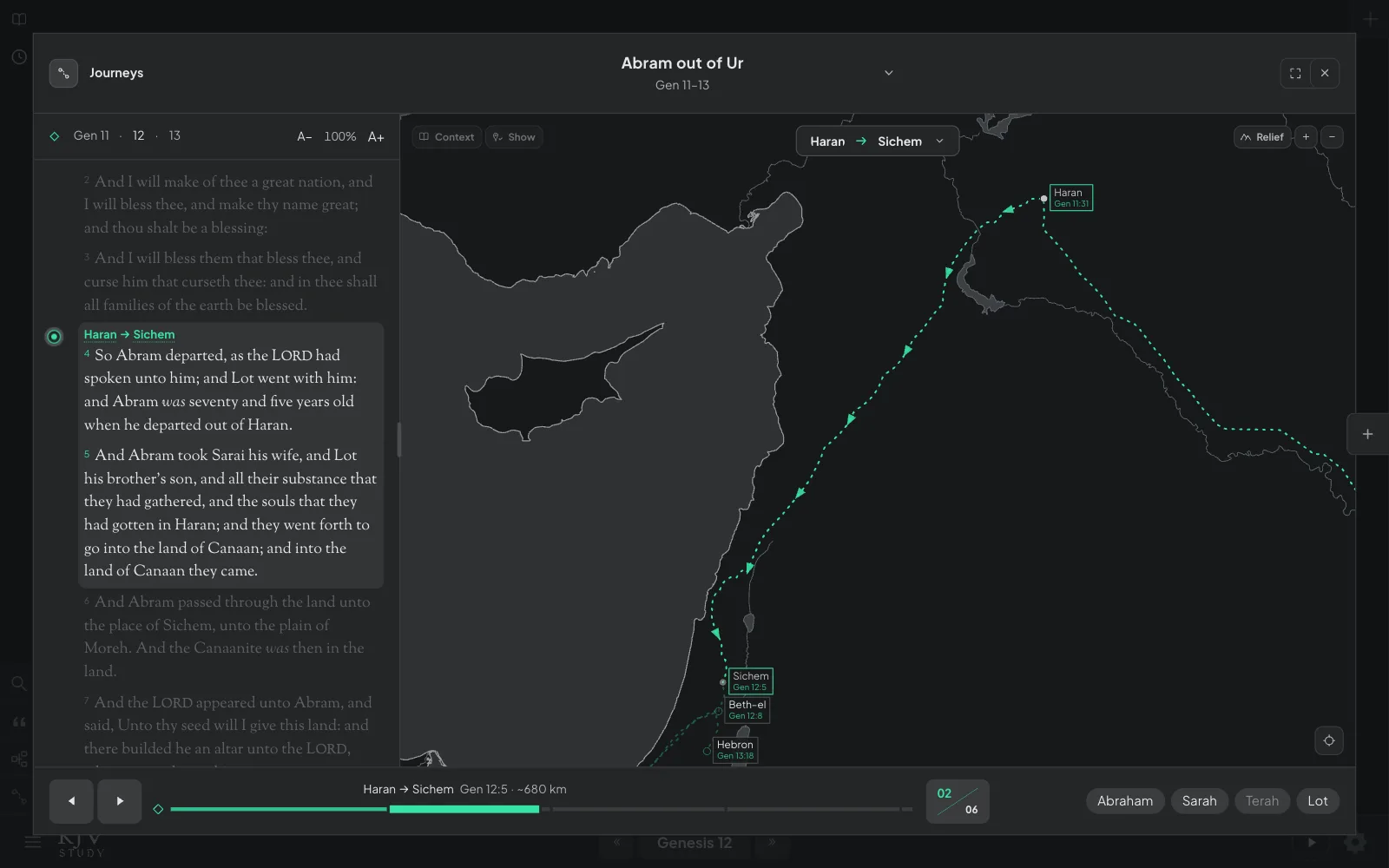
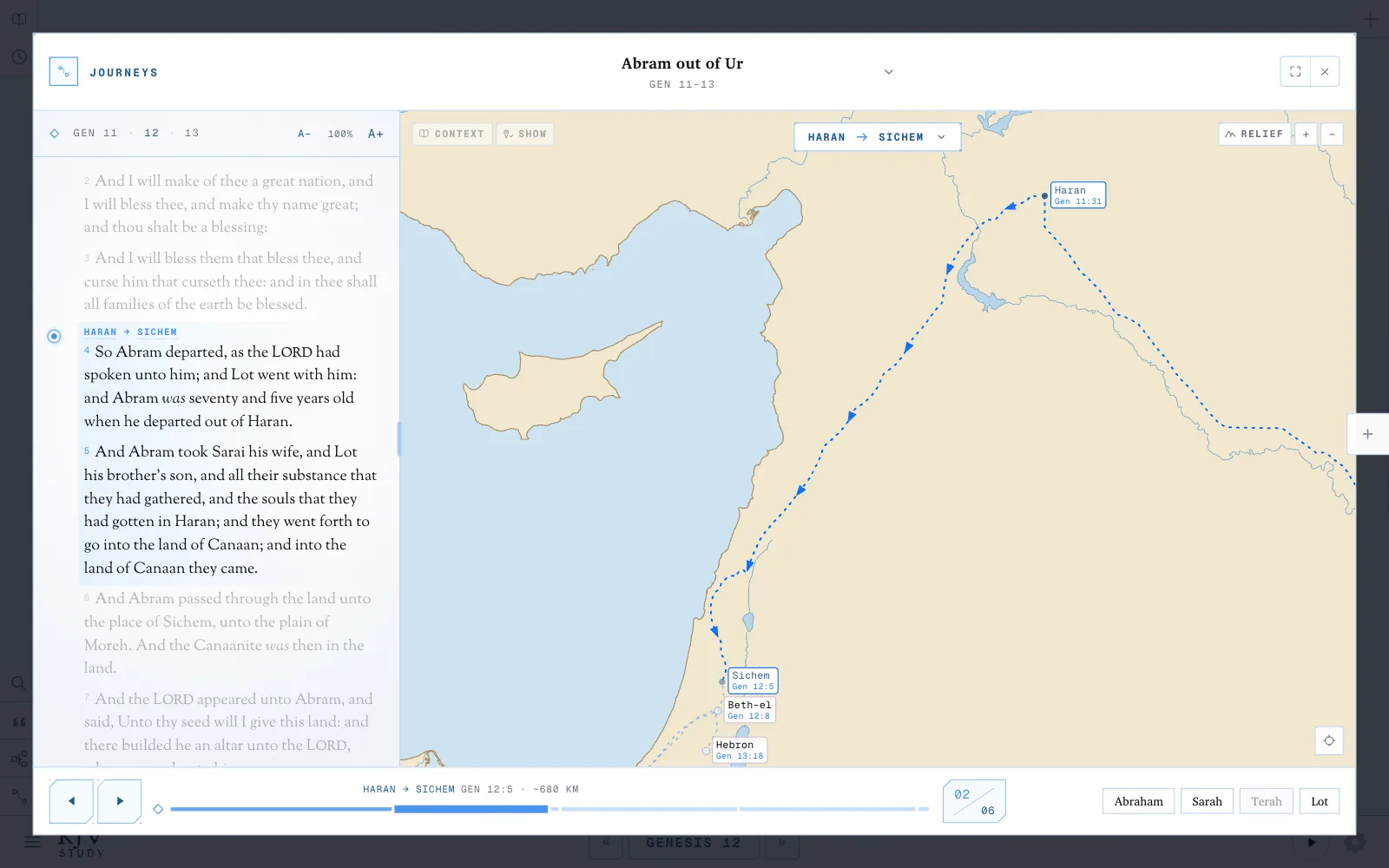
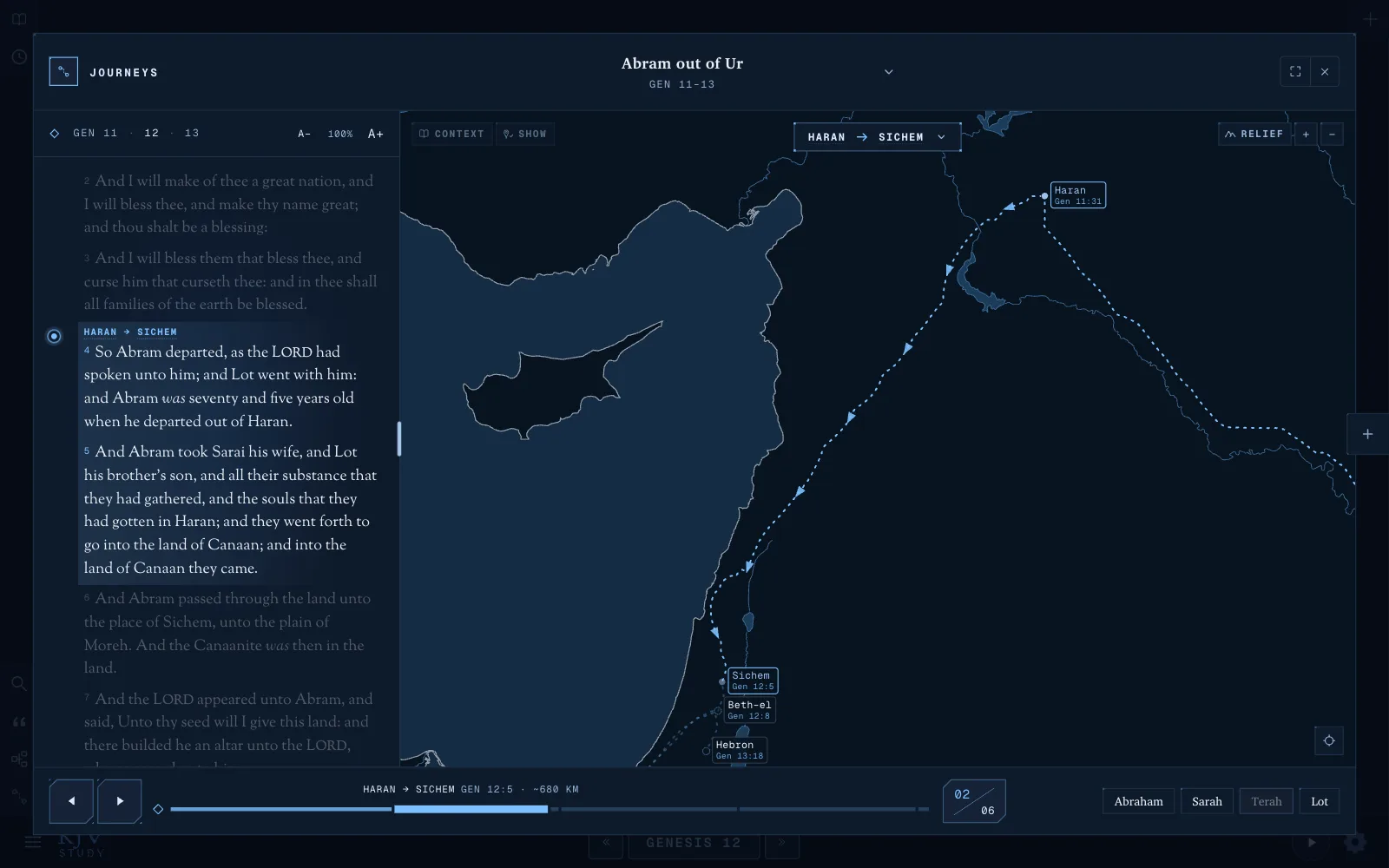
- On the left, read the chapters that describe the journey, with the verse for the current stage highlighted and brought into view.
- In the middle, see the map and the starting and ending places for the current stage.
- Along the bottom, see who travelled. If someone died along the way, their entry shows where.
Stepping through it Press Start journey to play the journey from the beginning.
Press Start journey to play the journey from the beginning. The button then becomes Replay journey. Use the arrows to move between stages; the count, such as "03 / 08", shows your place. The whole journey displays the full route at once.
You can also display journeys on the Map.