The Map
Explore the places in your reading, highlight their mentions, and follow journeys across the map.
Opening the map Choose Map from the Splitscreen menu.
Choose Map from the Splitscreen menu. It shows the places in your current chapter and updates as you move between chapters.
Featured in this chapter Above the map, four columns list the chapter's Persons, Places, Measurements and Time, with a count of the verses mentioning each.
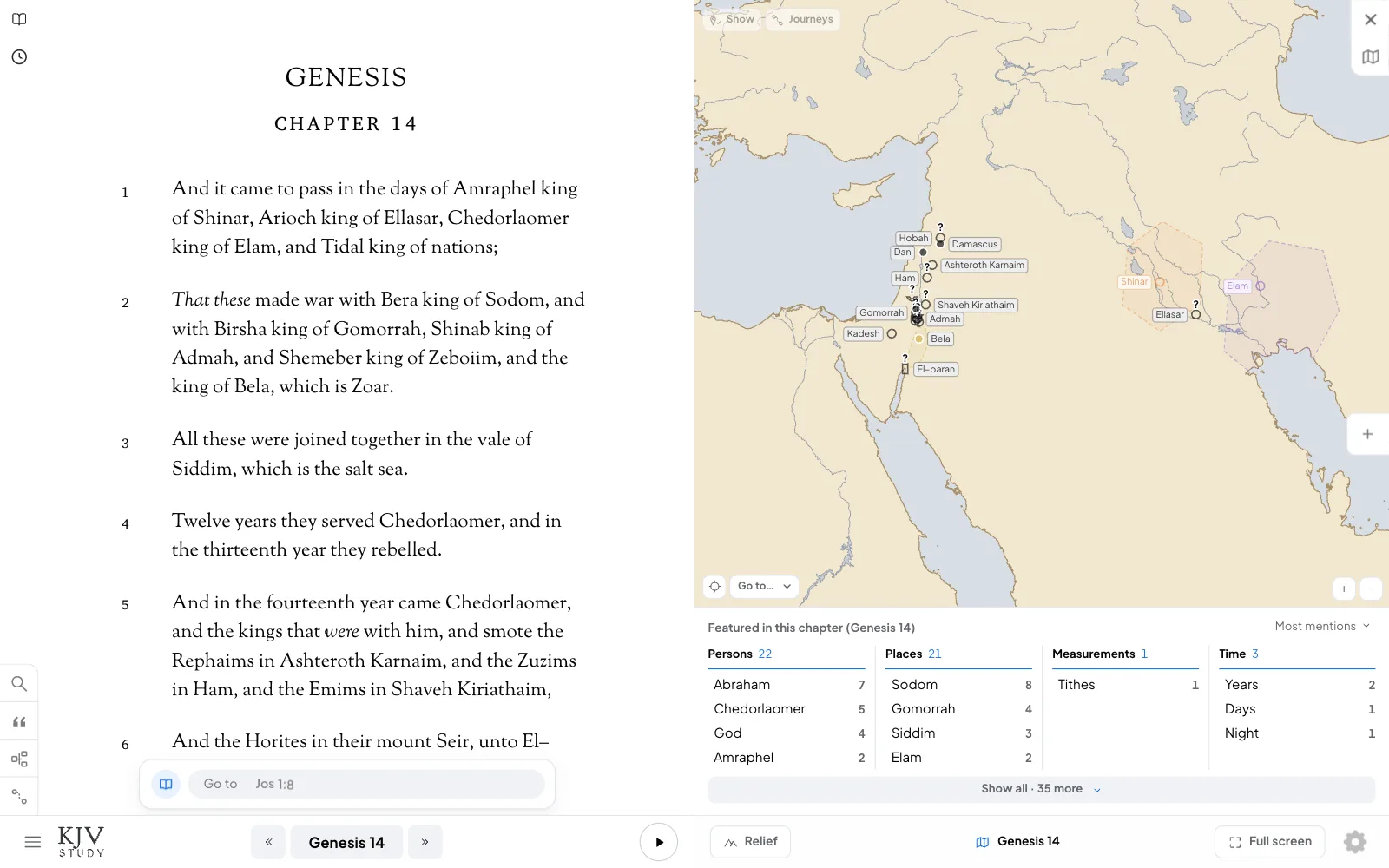
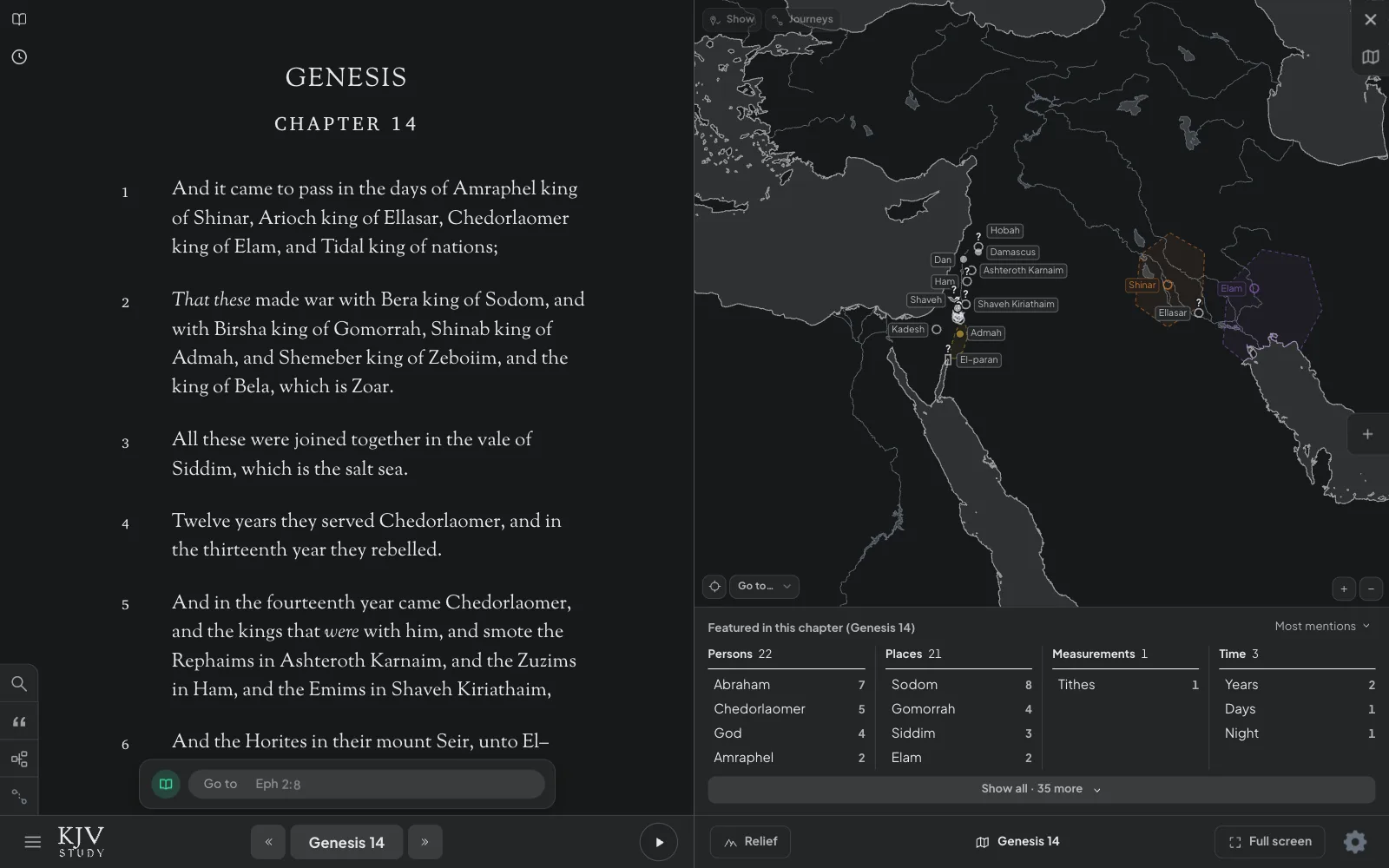
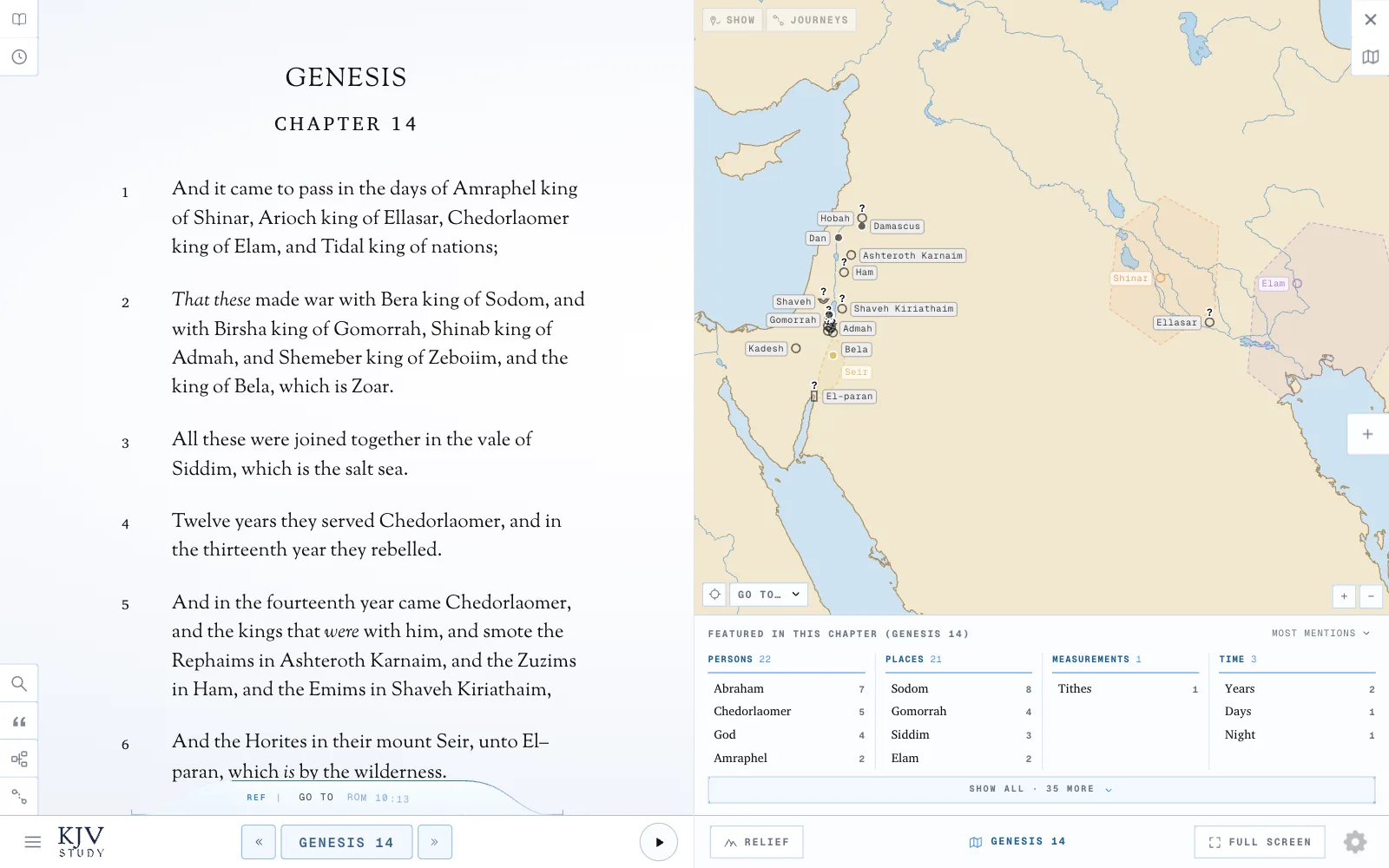
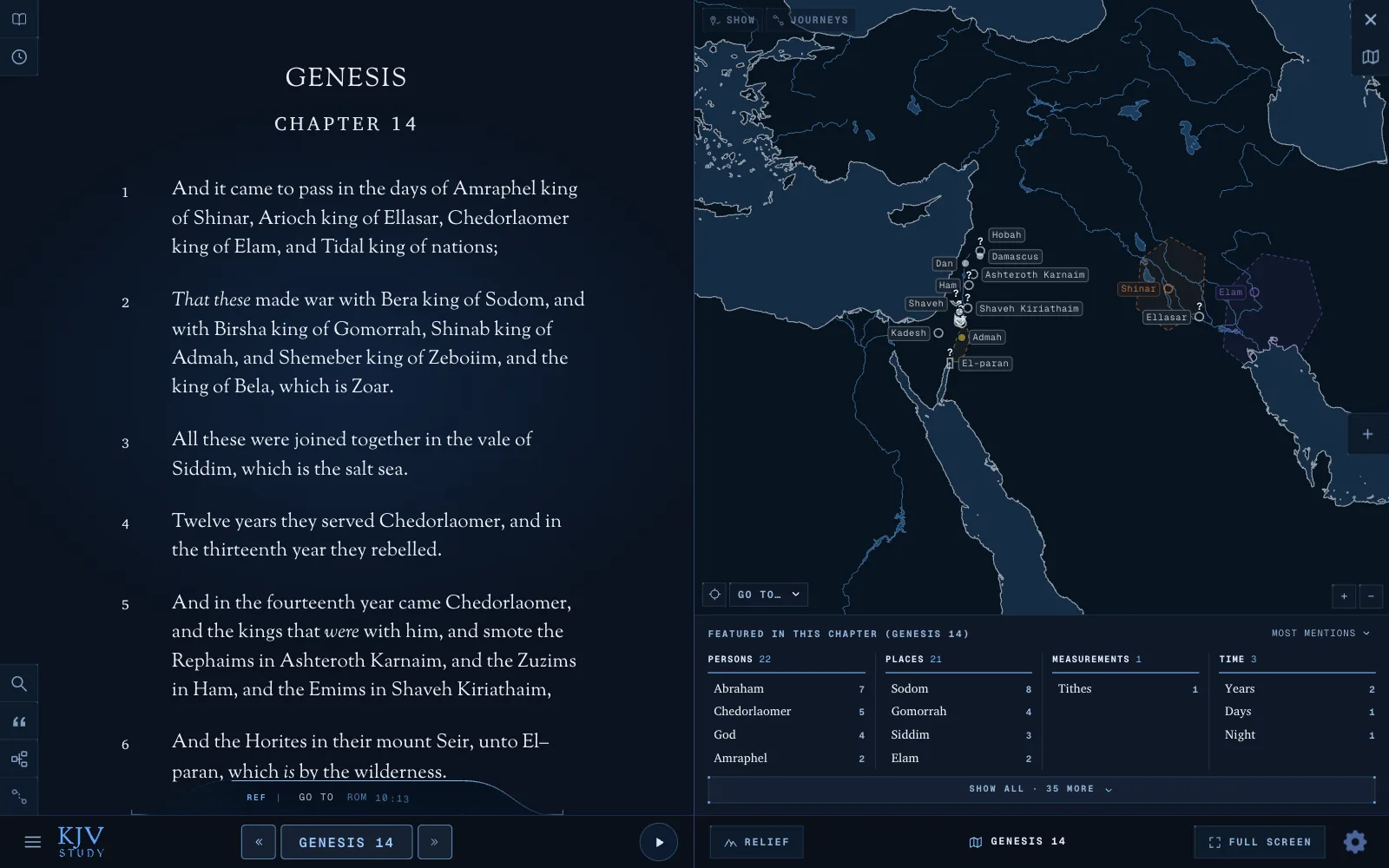
Above the map, four columns list the chapter's Persons, Places, Measurements and Time, with a count of the verses mentioning each. Show all opens the full list. Sort by Most mentions, Least mentions, In chapter (the order they appear), or Alphabetical.
Lighting up every mention Click a name in the list or a place on the map to highlight every mention in the reading and open its profile card.
Click a name in the list or a place on the map to highlight every mention in the reading and open its profile card. Alternate names, such as Abram and Abraham, are included. The bottom bar shows the name and arrows for moving between mentions, with a count such as "2 of 7". Click the name again to turn the highlighting off.
Moving around the map Use the zoom buttons to move closer or farther away.
- Use the zoom buttons to move closer or farther away. The round button returns the map to the chapter's places.
- Go to… lists the chapter's places. Choose one to see its verse, move to the previous or next verse, or Open profile.
- Relief in the bottom bar changes how the land is shown: Shaded relief, Contour lines, Height tints, or None.
- Full screen lets the map fill its side of the screen.
Choosing what's shown Use Show at the top left to add places beyond those in the chapter.
Use Show at the top left to add places beyond those in the chapter. Search for a place, choose a country and a kind of place, such as cities or mountains, or use Show main locations from… to choose an era from the days of Noah to the early Church. Clear removes those added places.
Journeys on the map Journeys, beside Show, lists the Bible's journeys, with those in your chapter first.
Journeys, beside Show, lists the Bible's journeys, with those in your chapter first. Choose one to draw its route. The journey controls let you Start journey, move between stages, view the whole route, and see who travelled.