Reference Trees
Follow a verse's cross references as branches, then keep exploring the passages they lead to.
What a Reference Tree shows A Reference Tree begins with one verse and branches out to its cross references.
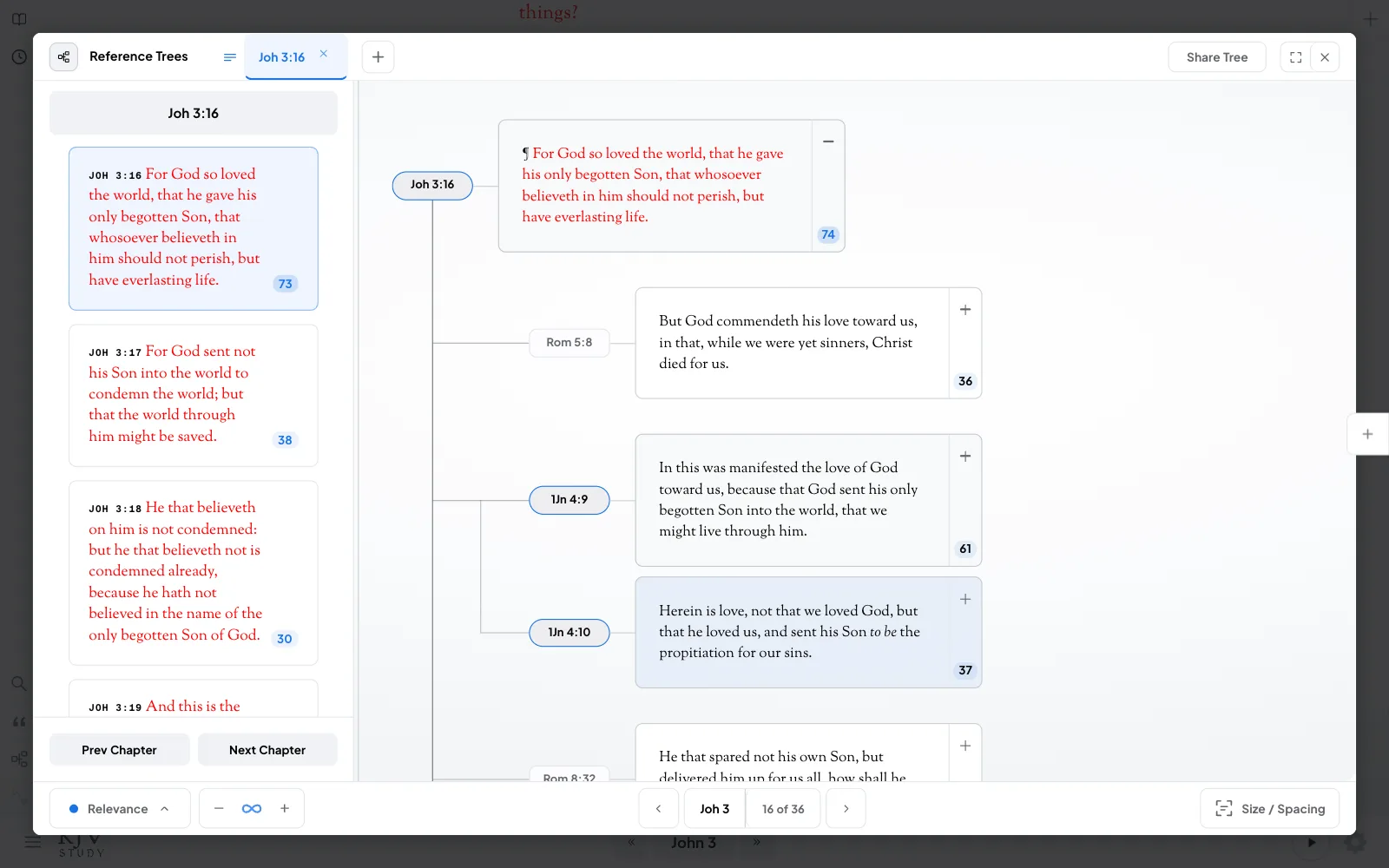
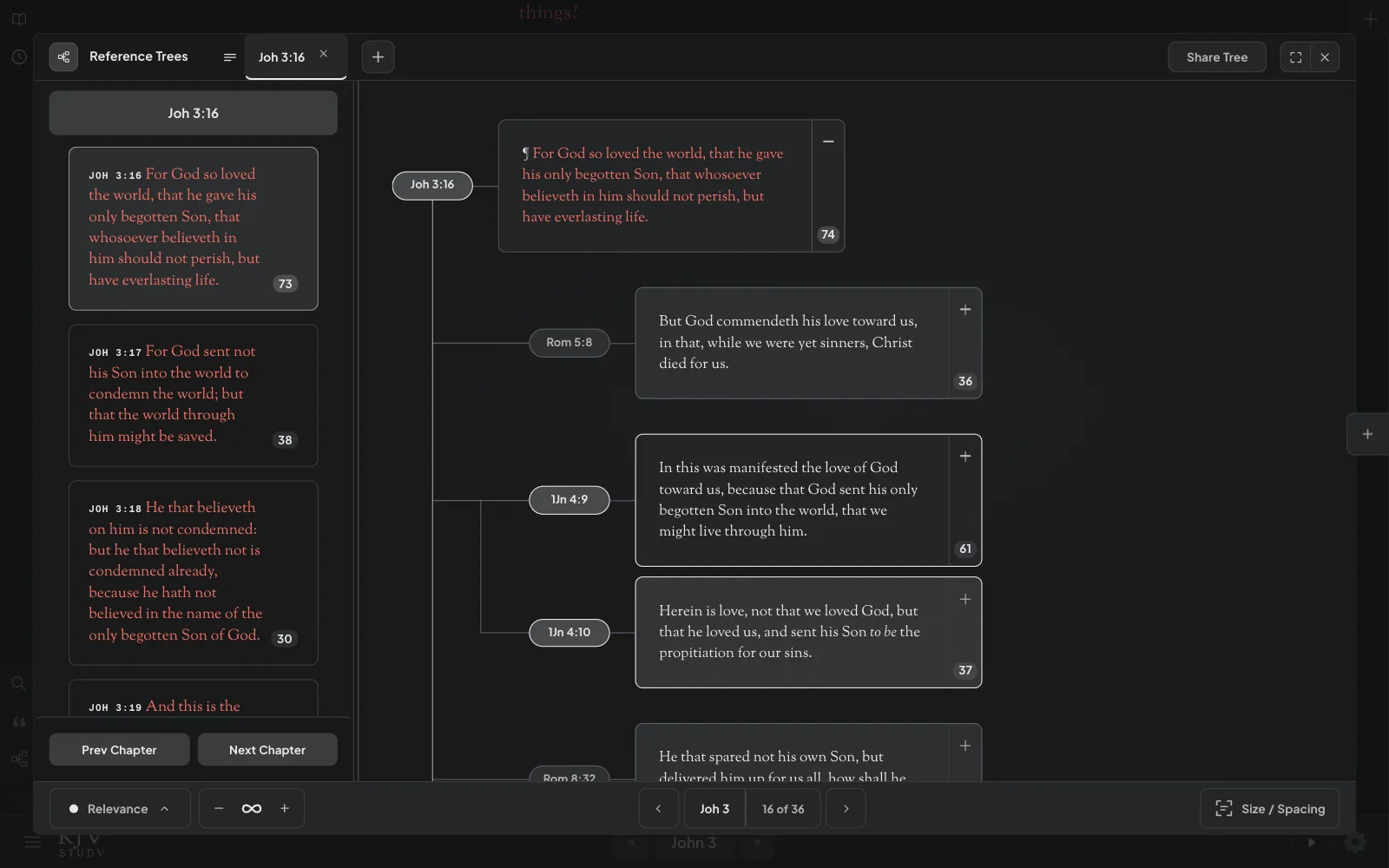
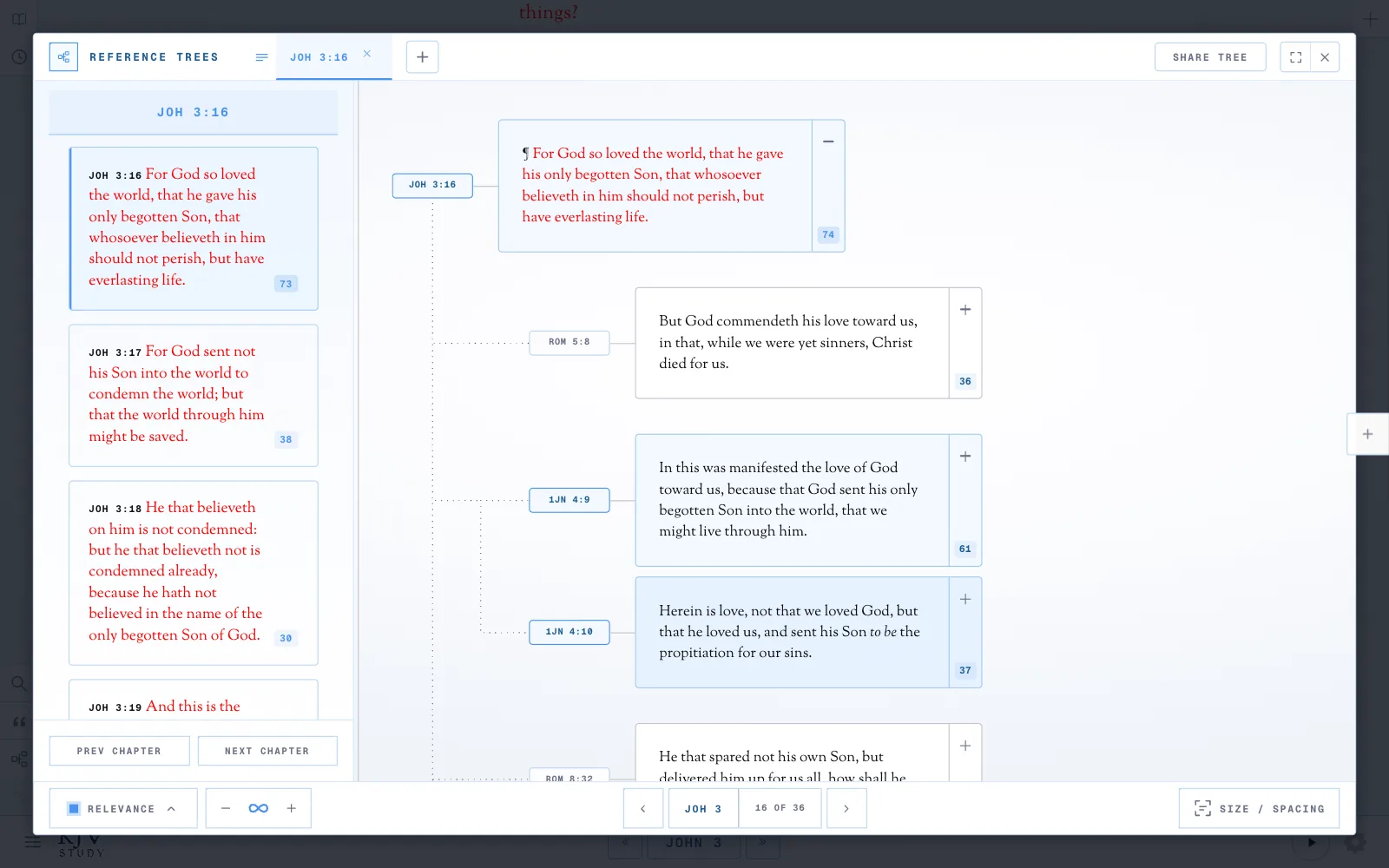

A Reference Tree begins with one verse and branches out to its cross references. Each branch shows a count. Open it to see that passage's own references, then keep following the connections as far as you like.
Opening one Use the tree icon in the bottom-left corner of the reading, or Reference Trees under Go Deeper in the menu.
- Use the tree icon in the bottom-left corner of the reading, or Reference Trees under Go Deeper in the menu.
- Choose Open Reference Tree in a verse's right-click menu.
- Choose Open as Reference Tree in a cross reference card's menu.
Trees open in tabs, so you can keep several open. A new tab can begin with a verse, a person or a book.
Working with the tree Use + / − on a passage to open or close its references.
- Use + / − on a passage to open or close its references. The round + adds a reference of your own.
- A passage's menu lets you Isolate Tree to show only that branch, Open in Reader, copy the passage, or add a note.
- Branching at the bottom arranges the branches by relevance, Bible order, or Testament.
- Expand Limit sets how many references appear when you first open a passage's branches.
- Size / Spacing adjusts the tree's text size and spacing.
- Share Tree creates a link to the tree as you've arranged it.