Primary References
Explore the Old Testament passages quoted or clearly alluded to in the New Testament, arranged by book or speaker.
What a Primary Reference is By default, a Primary Reference is an Old Testament passage quoted or clearly alluded to in the New Testament.
By default, a Primary Reference is an Old Testament passage quoted or clearly alluded to in the New Testament. Examples include Jesus quoting Deuteronomy, Paul quoting Isaiah, or Matthew pointing to a fulfilled prophecy. These references appear first in a verse's cross references, and each identifies who is speaking.
Whether a passage directly refers to another can sometimes require judgment. Signed-in readers can add or remove Primary References for their own account.
The Primary References window Open this window from the bottom-left corner of the reading, from Go Deeper in the menu, or by clicking a person or book tag on a primary cross reference.
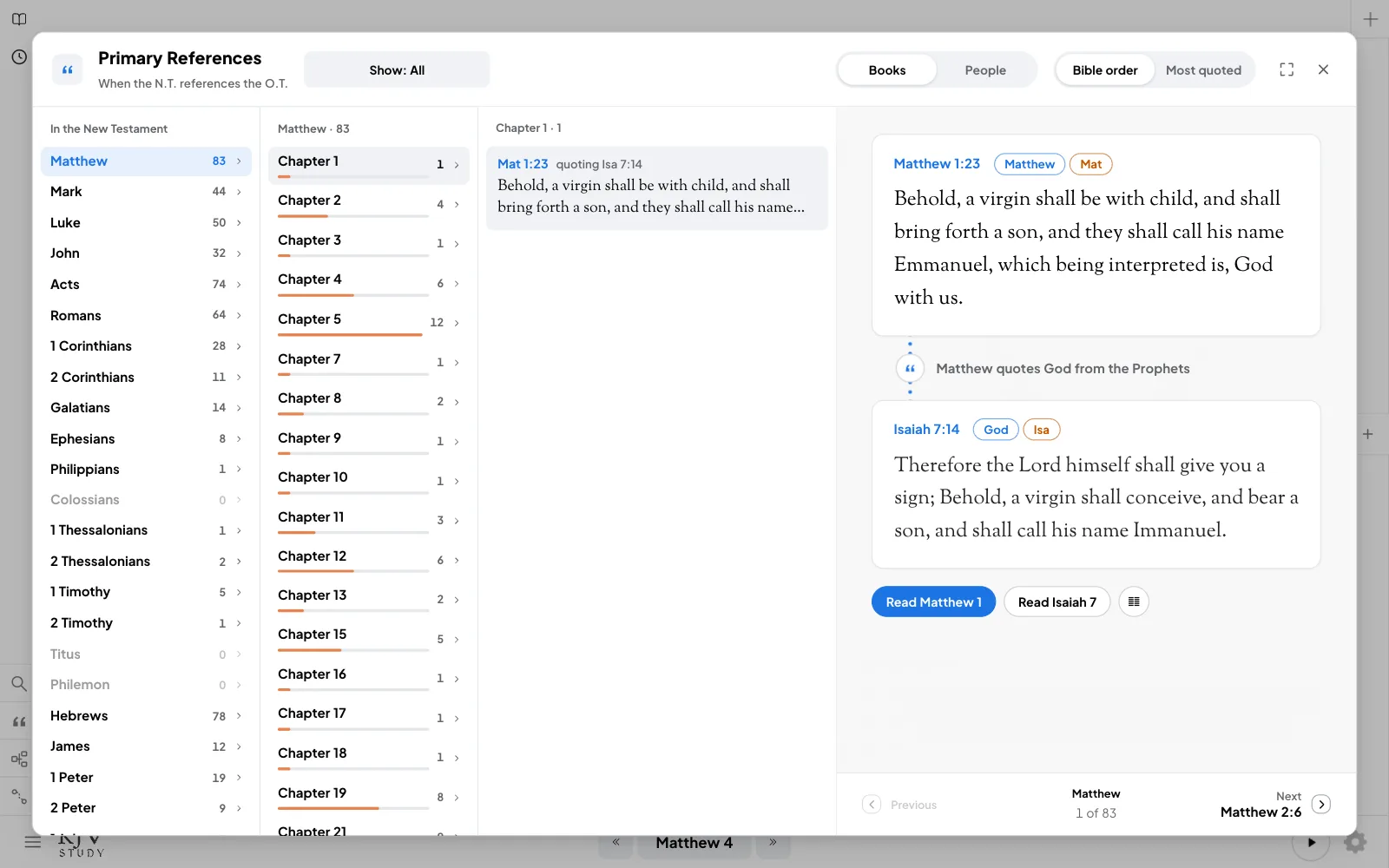
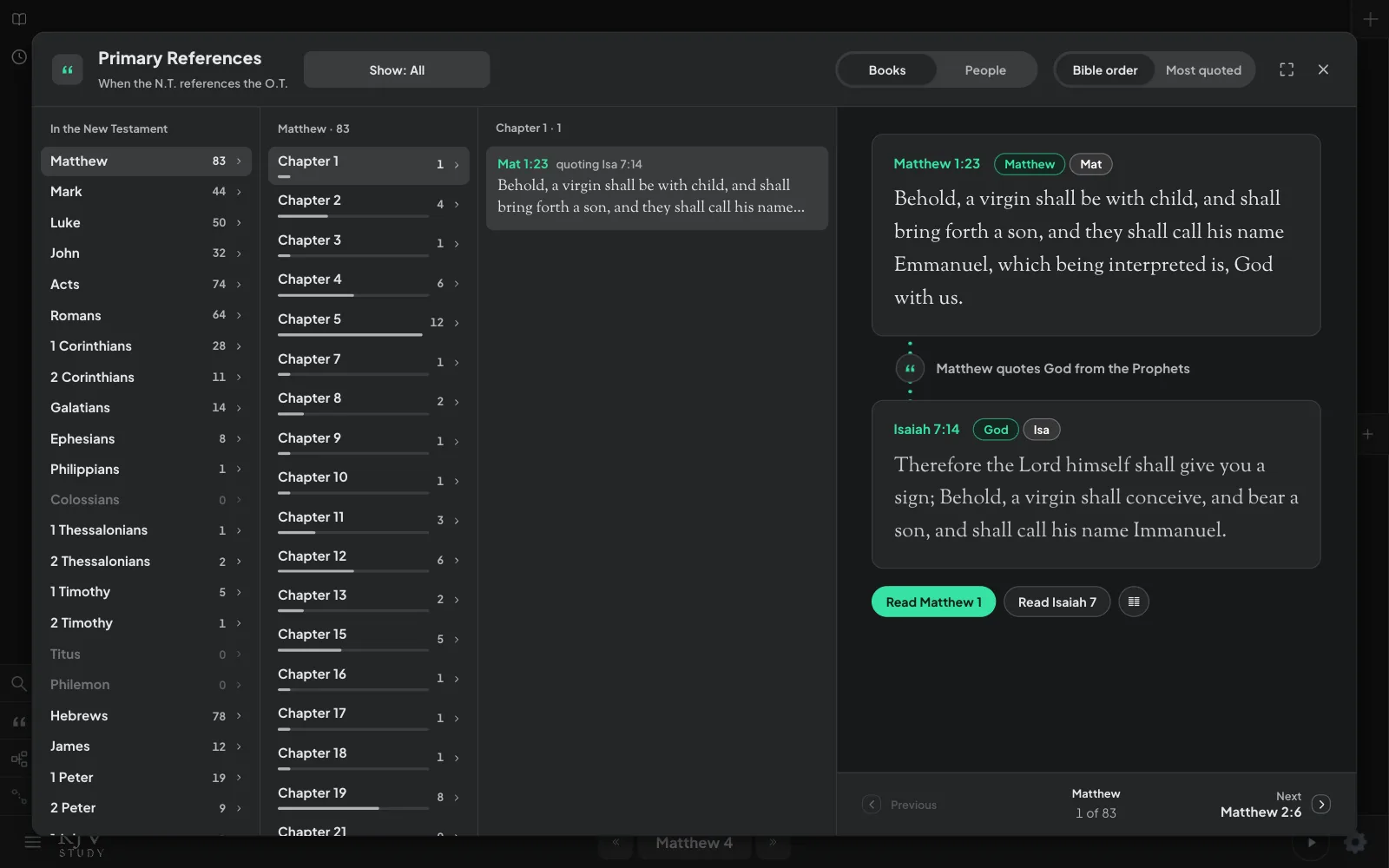
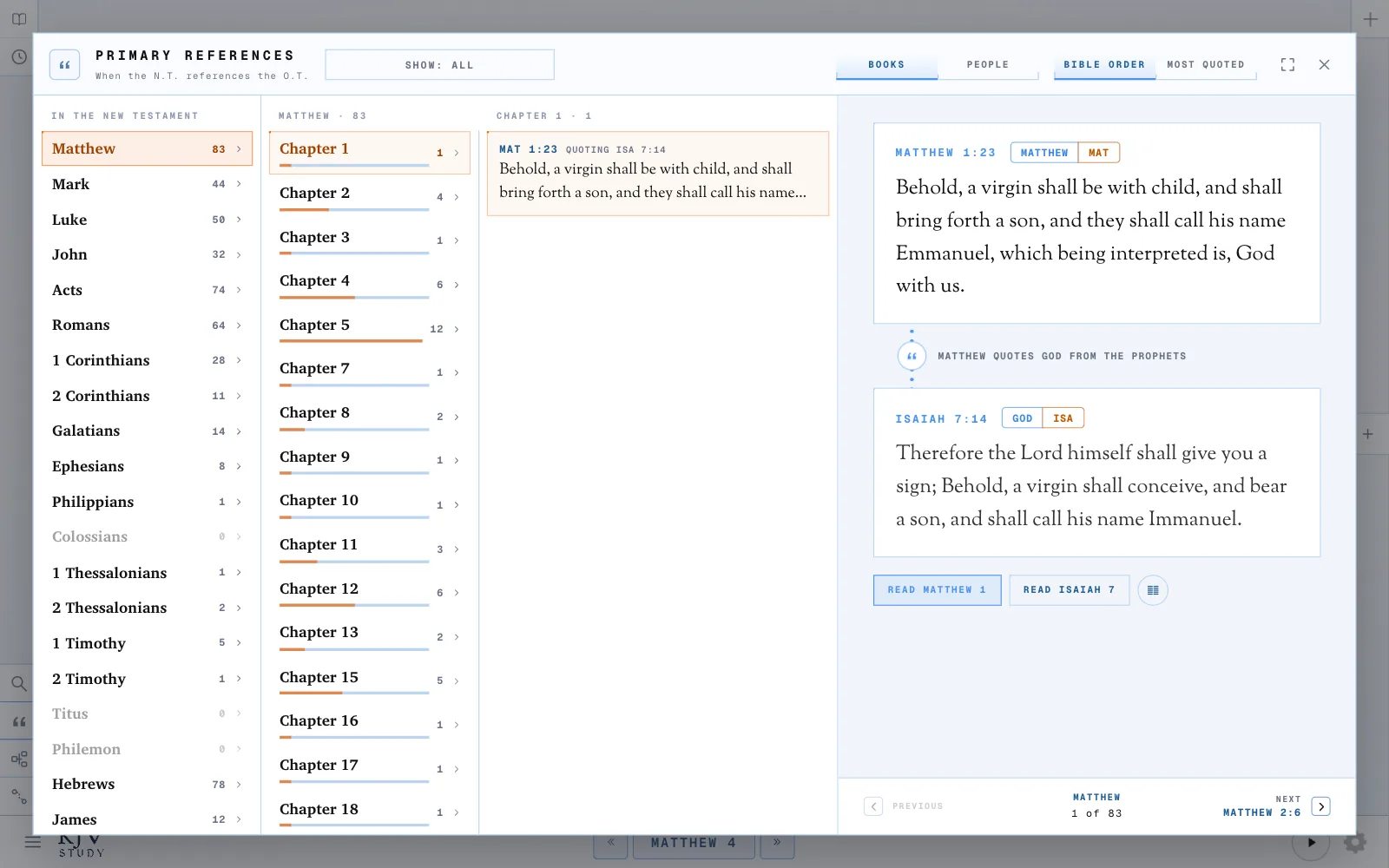
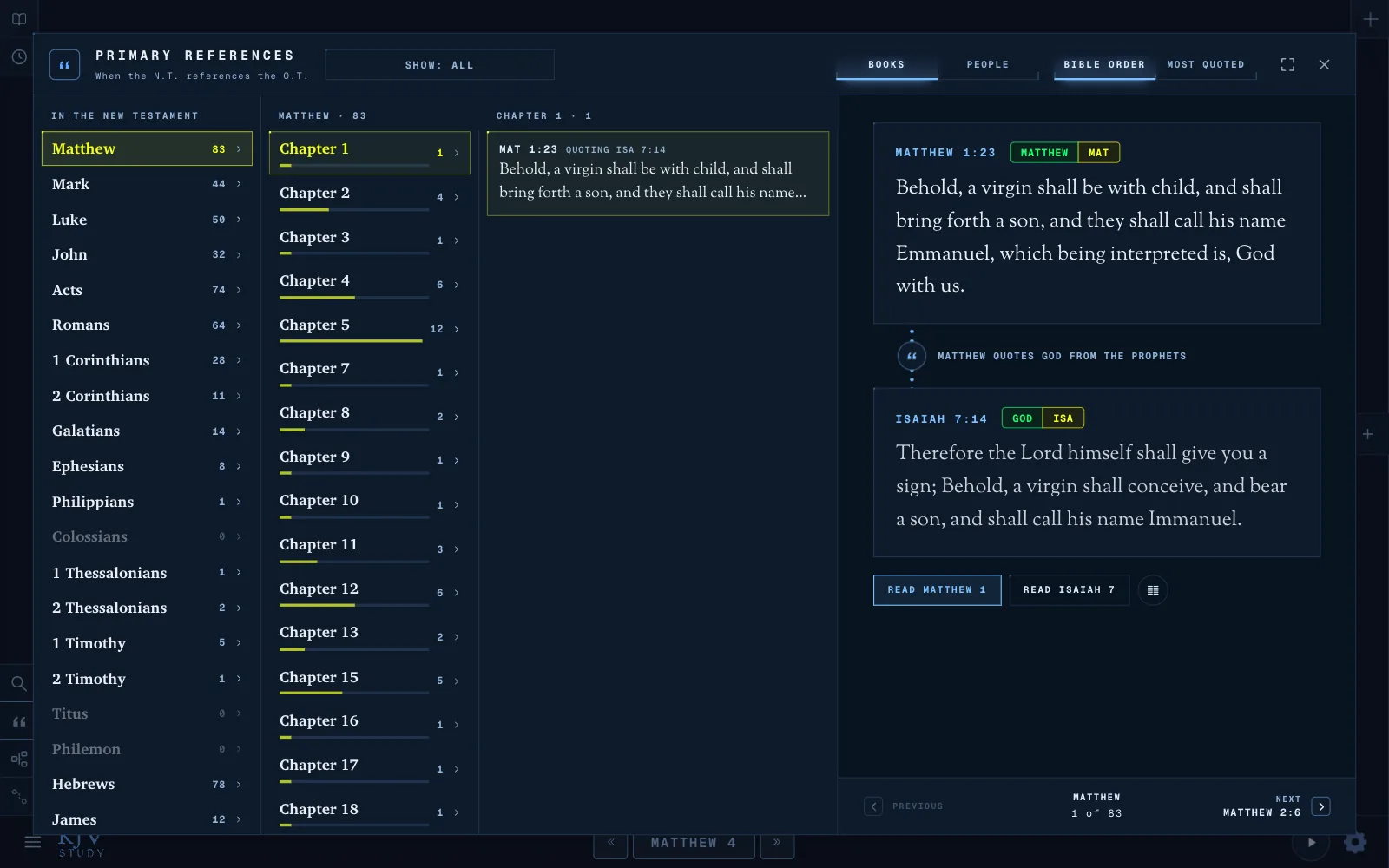
Open this window from the bottom-left corner of the reading, from Go Deeper in the menu, or by clicking a person or book tag on a primary cross reference. Its four columns lead you from left to right:
- Books: choose a book, then a chapter, then a quotation to see the passages.
- People: choose a person, then a book where they are quoted, then a quotation to see the passages.
The two passages appear side by side. Use Read to open either chapter, the Parallel Bible button to read them side by side, or Previous / Next to move through the quotations.
- Show filters the list to Quotes, Allusions or Uncertain.
- Sort books in Bible order or by most quoted, and people by most quoted or alphabetically.
- Use the arrow keys to move through the columns and Enter to open the selected passage.
Making a reference Primary In a verse's cross references, press Edit, then choose Change to Primary from a card's menu.
In a verse's cross references, press Edit, then choose Change to Primary from a card's menu. The two passages appear side by side. Choose Who is speaking? for each passage, or add a new person. Select Quotation, Allusion or Uncertain to describe the connection, then confirm. Use Change to Standard to change it back. These changes apply only to your account.