Feedback and updates
Let us know about a problem, share an idea, or read about the latest changes.
Sending feedback Press Feedback at the bottom of the menu.
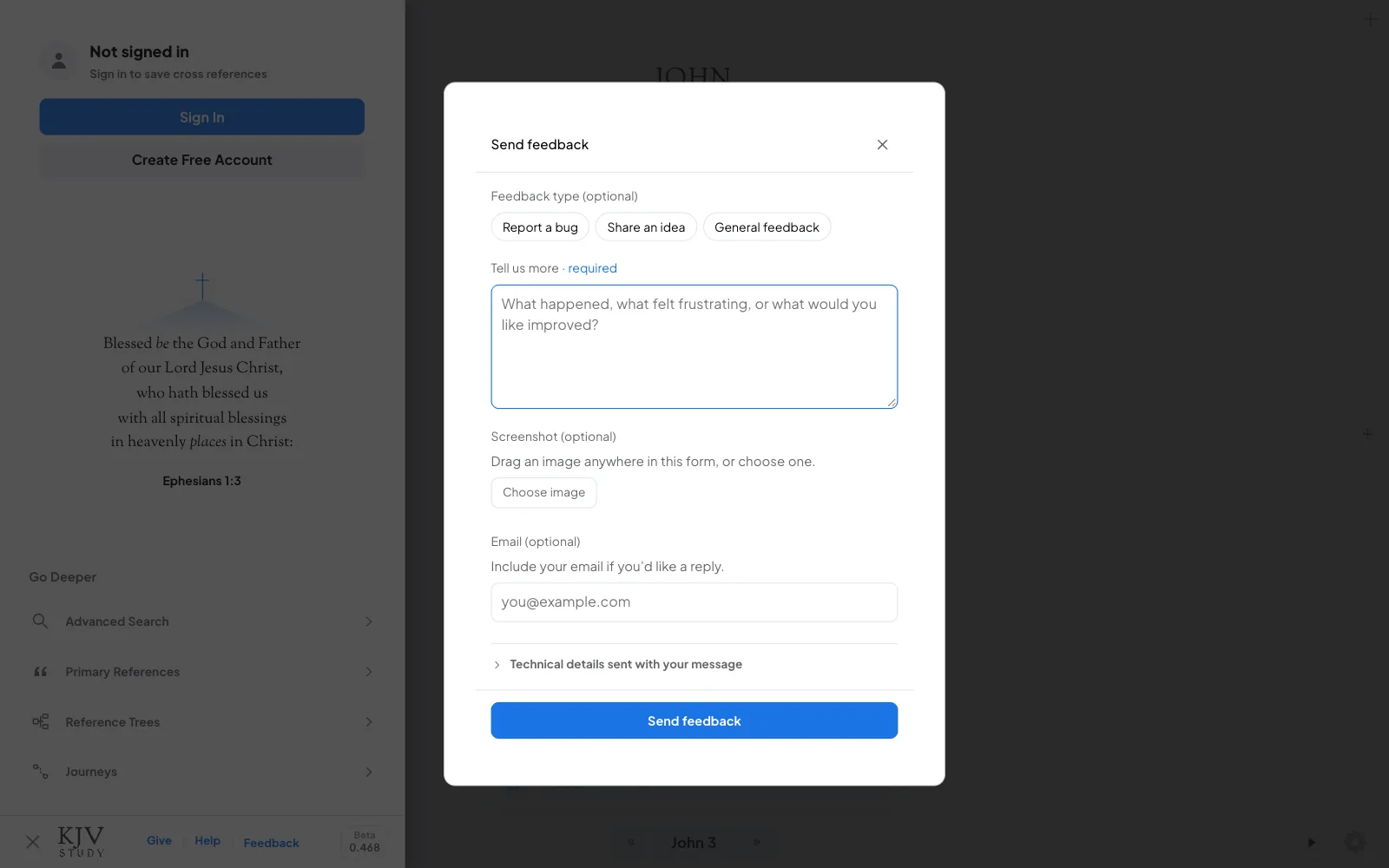
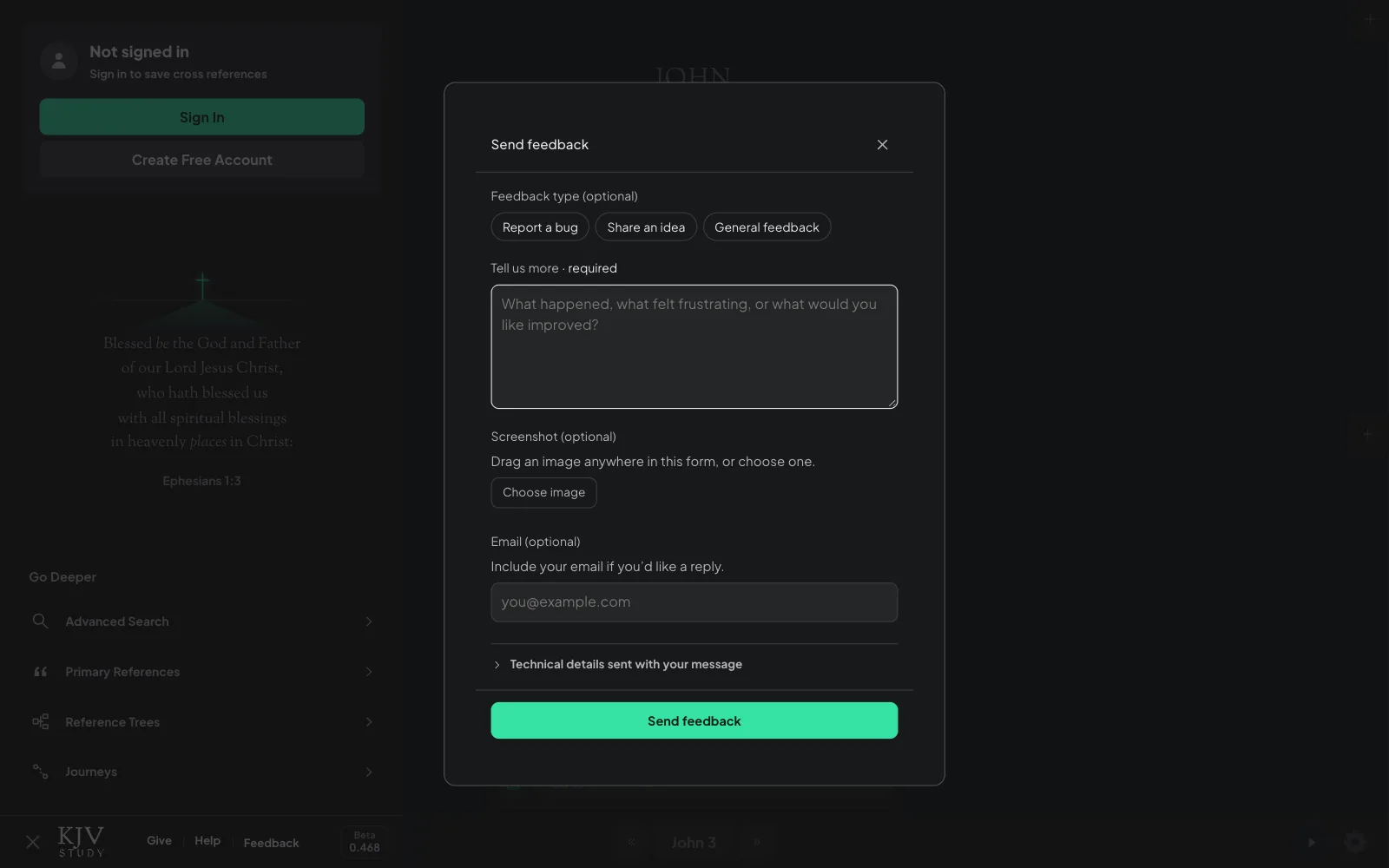
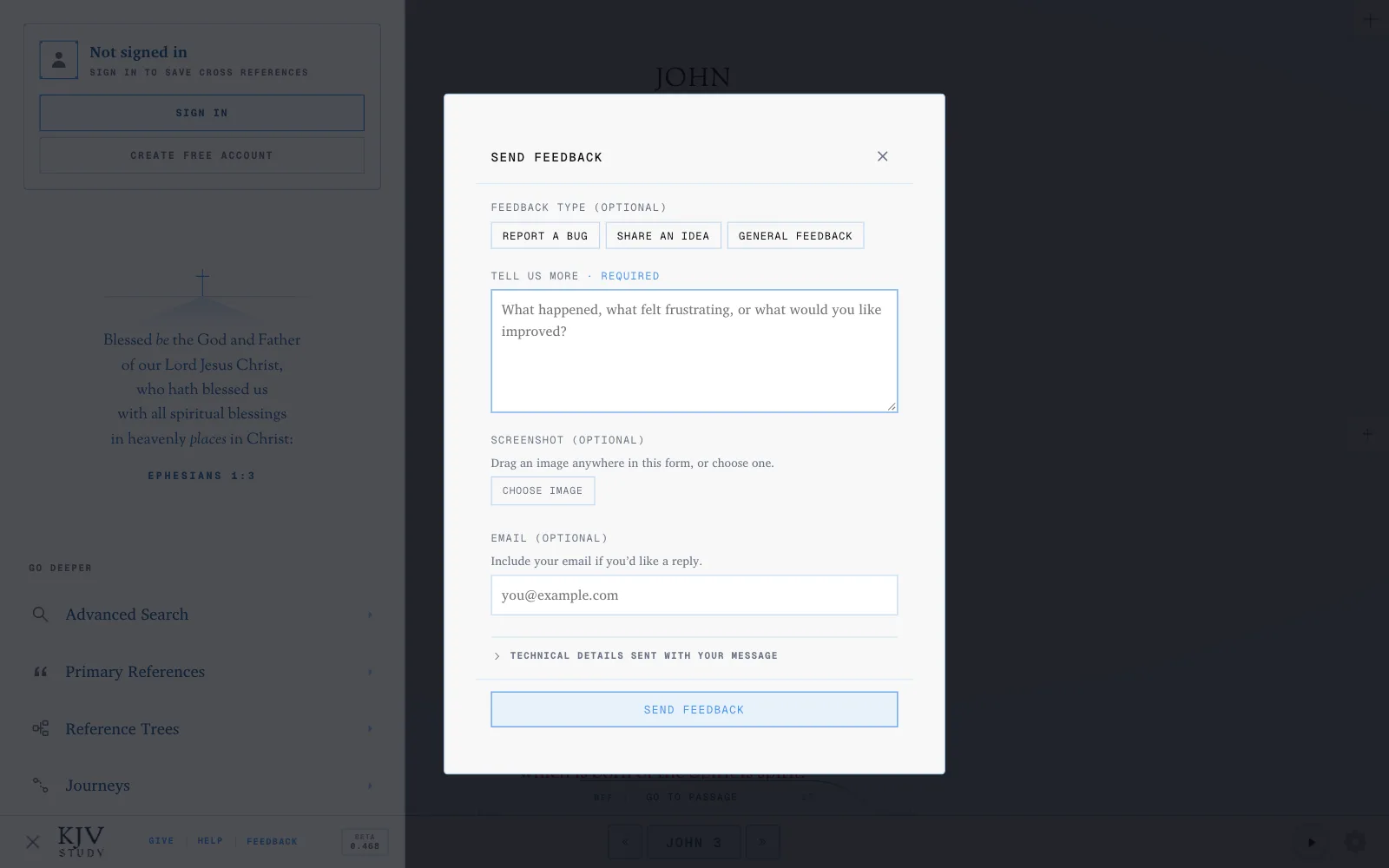
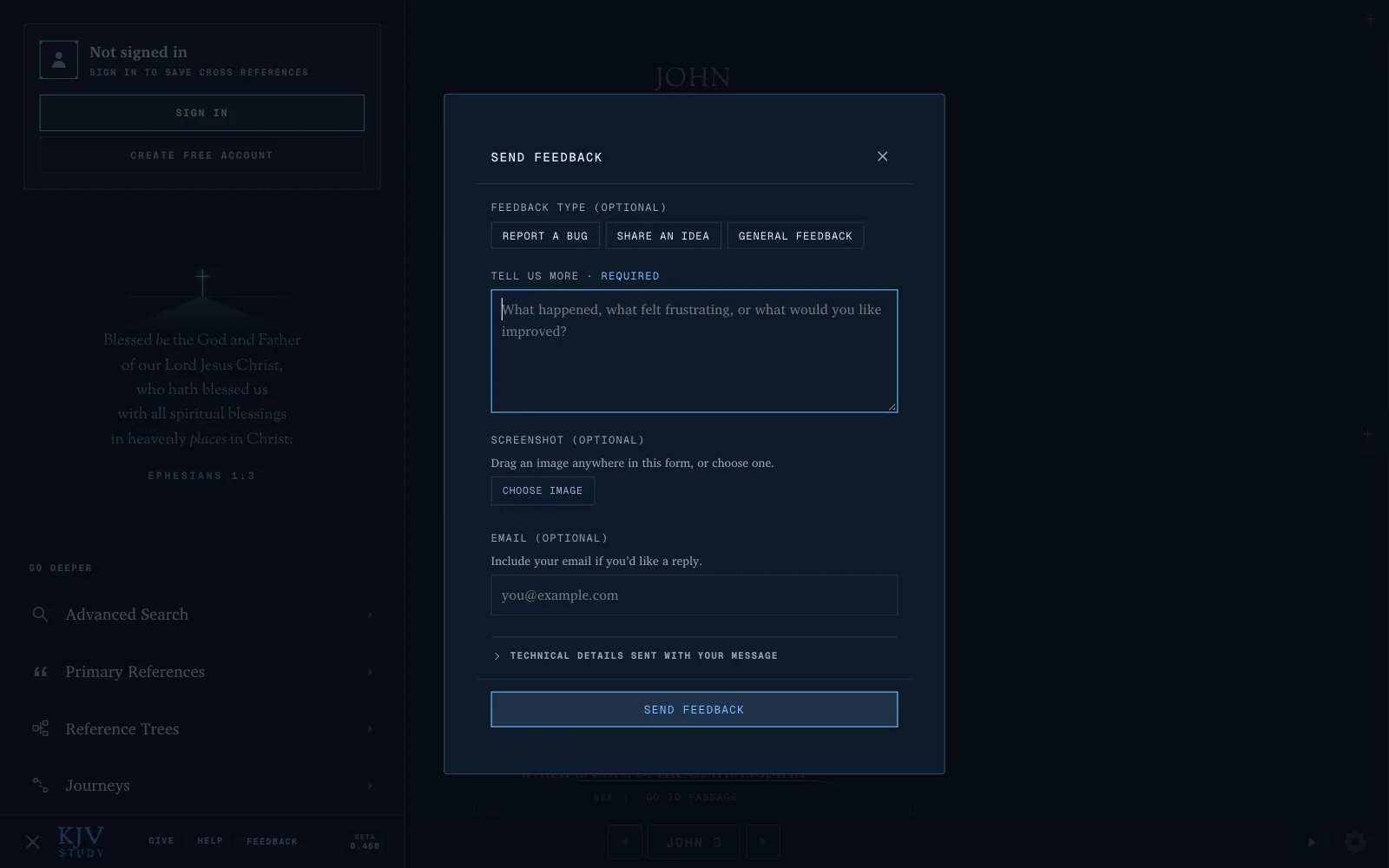
Press Feedback at the bottom of the menu. Choose bug, idea, or general feedback, then tell us more. If a screenshot would help, paste it, drag it in, or use Choose image. Leave your email if you'd like a reply; it's filled in for you when you're signed in.
The form includes a few details to help us understand the problem: the page, site version, browser and window size. It shows you exactly what will be sent.
You can also email kjvstudy@truthischrist.com.
What's new Press the version label at the bottom right of the menu, shown as "Beta" and a number, to open Updates.
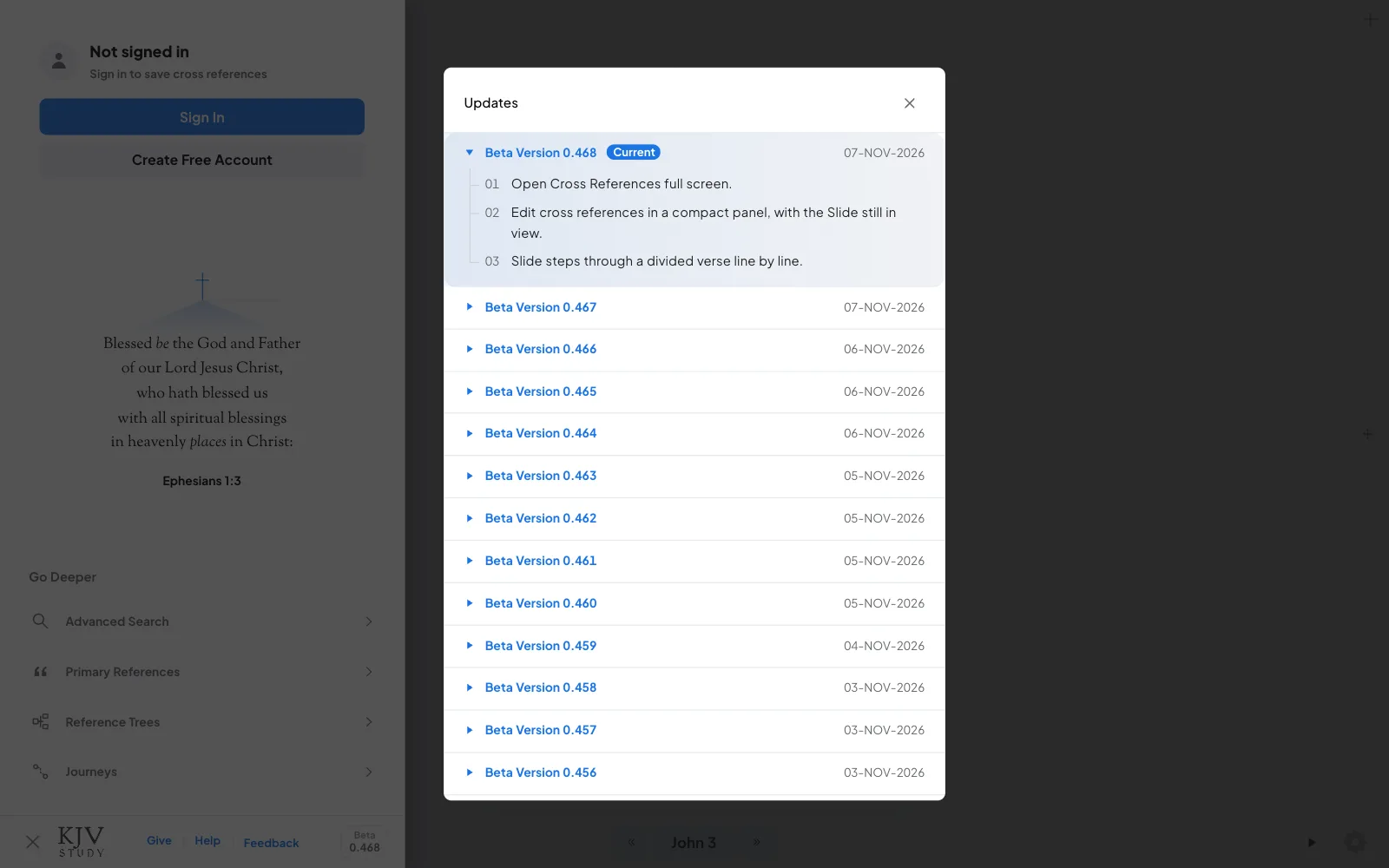
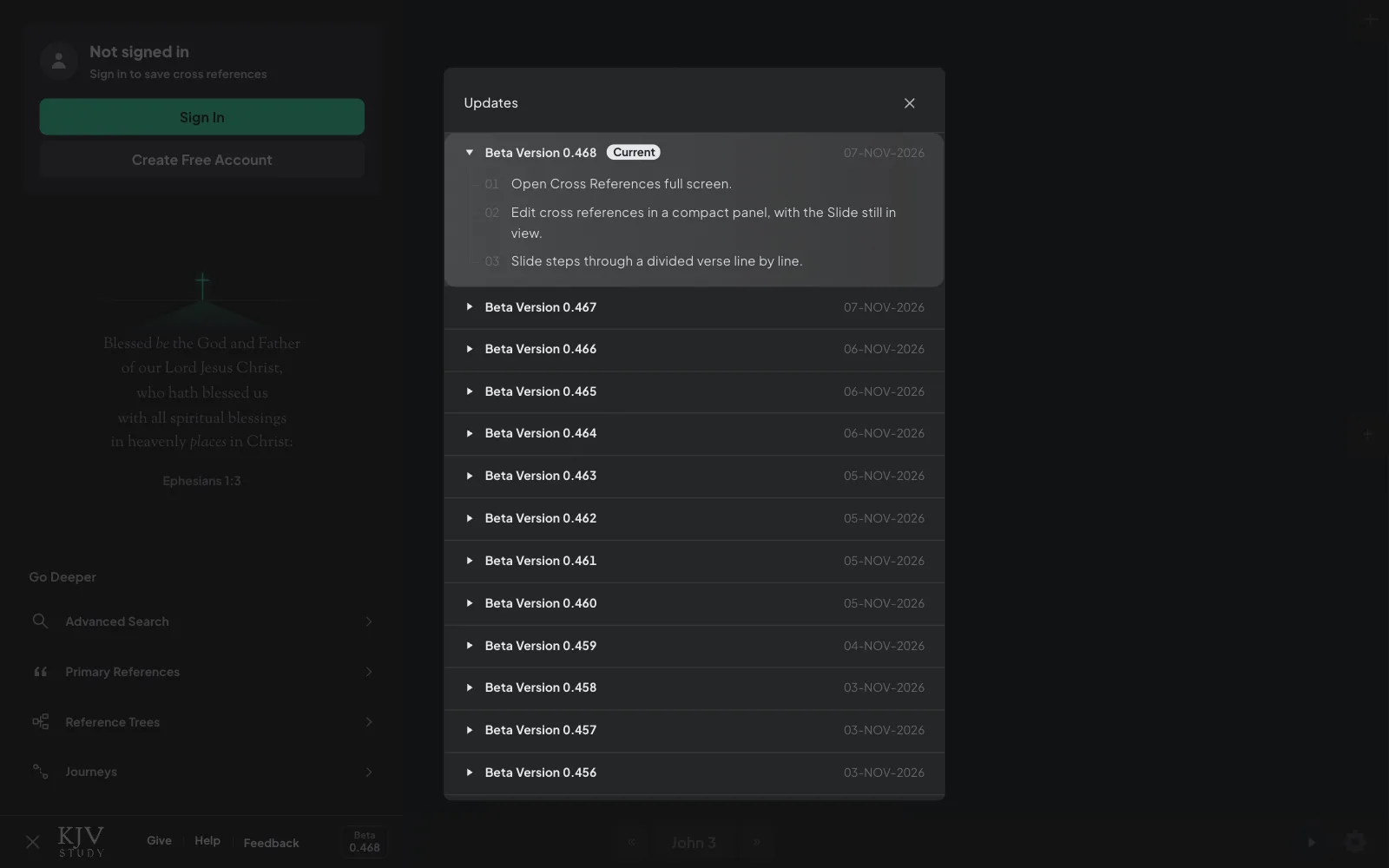
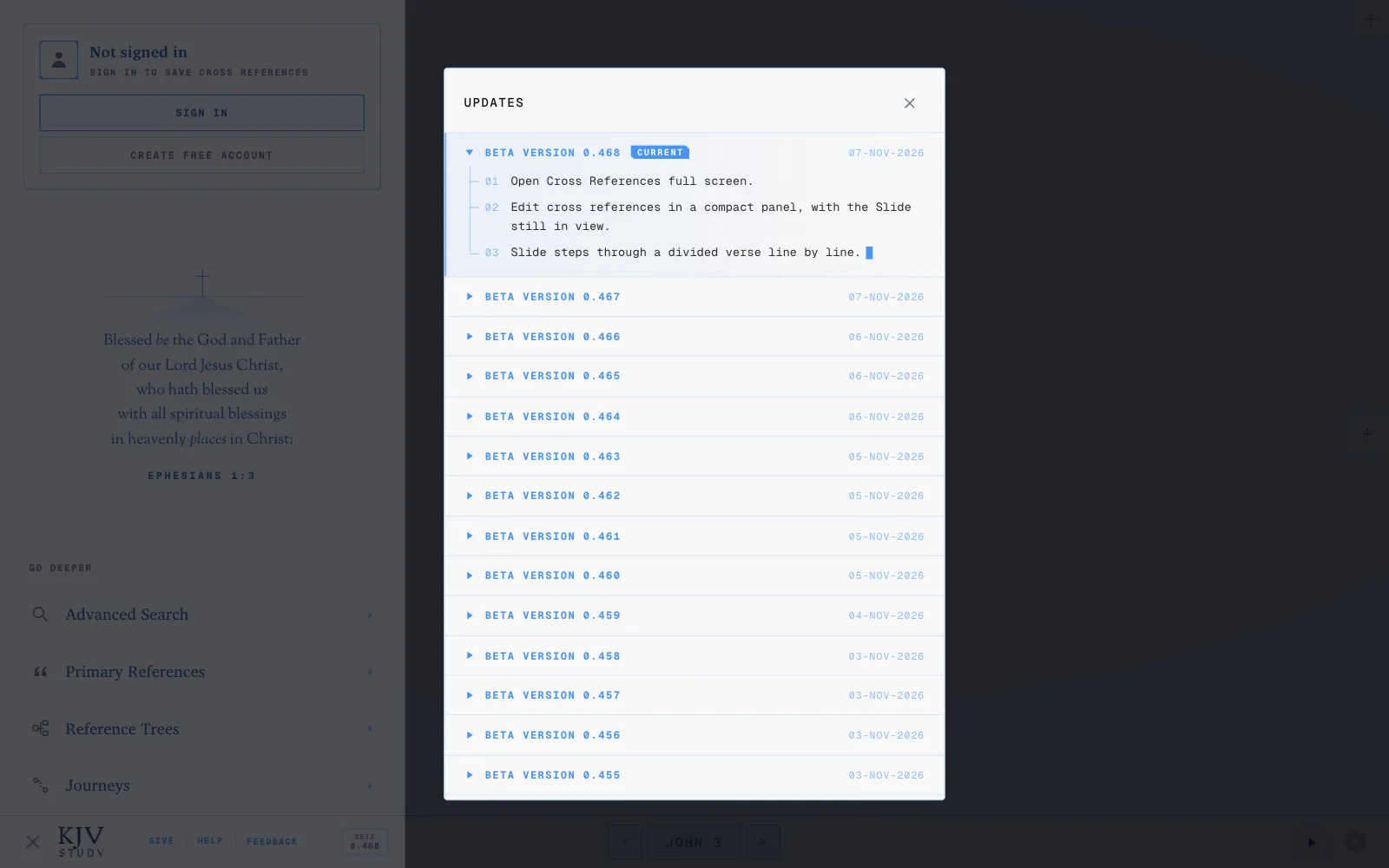
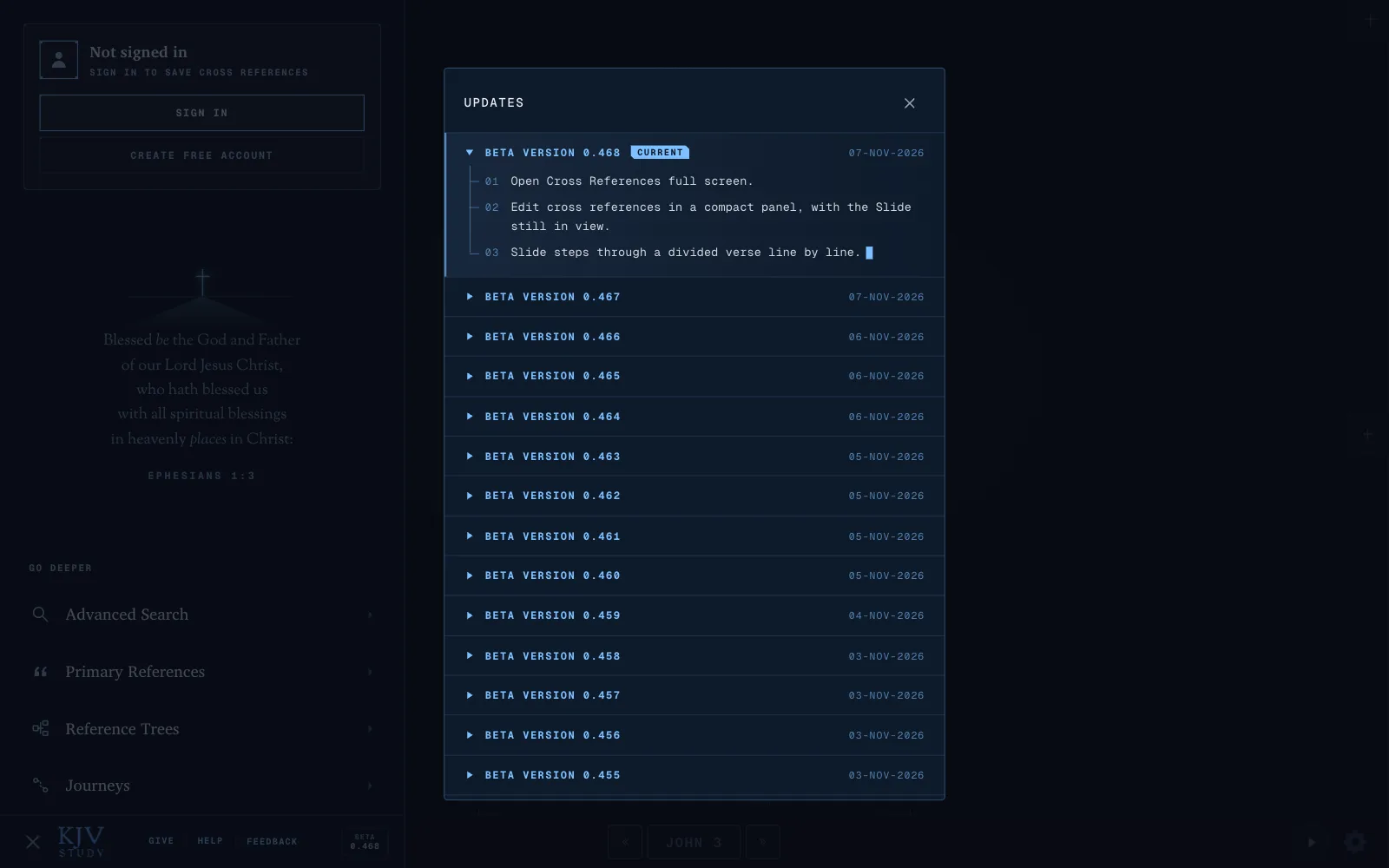
Press the version label at the bottom right of the menu, shown as "Beta" and a number, to open Updates. Changes are listed by version, newest first.