Getting started
An introduction to KJV Study, a guide to the screen, and a few things to try first.
What KJV Study is KJV Study is a free study Bible built around the Authorized King James Version.
KJV Study is a free study Bible built around the Authorized King James Version. There are no ads or subscriptions. It's a place to read the word carefully, follow connections between passages, and keep what you learn.
You can read, search, follow cross references, and listen without an account. A free account lets you keep your highlights across devices and use Verse Chests, Notes, Bible Paths, your own cross references, and the Community.
Finding your way around the screen On a computer, the chapter appears in the middle of the screen, with the controls around the edges
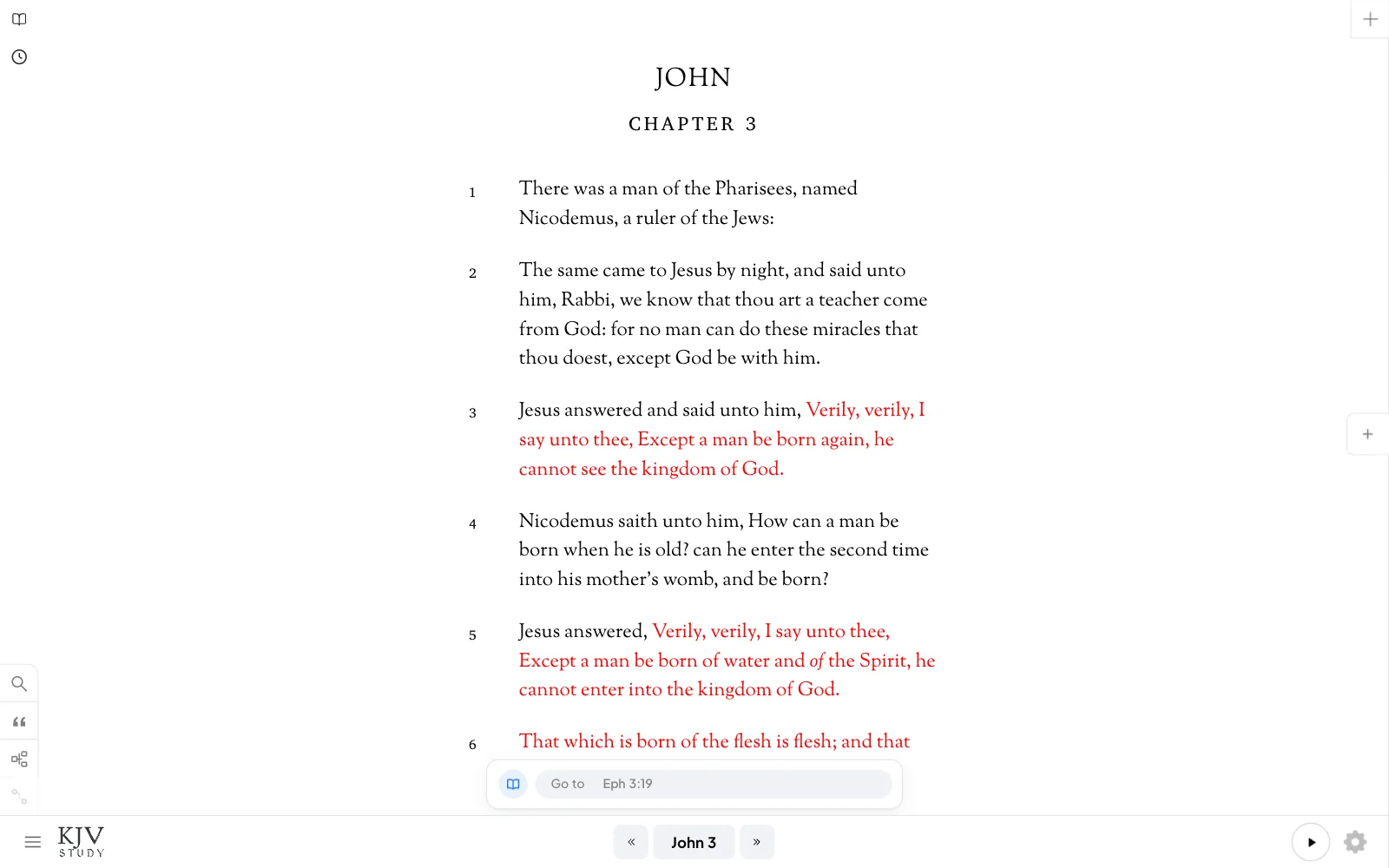
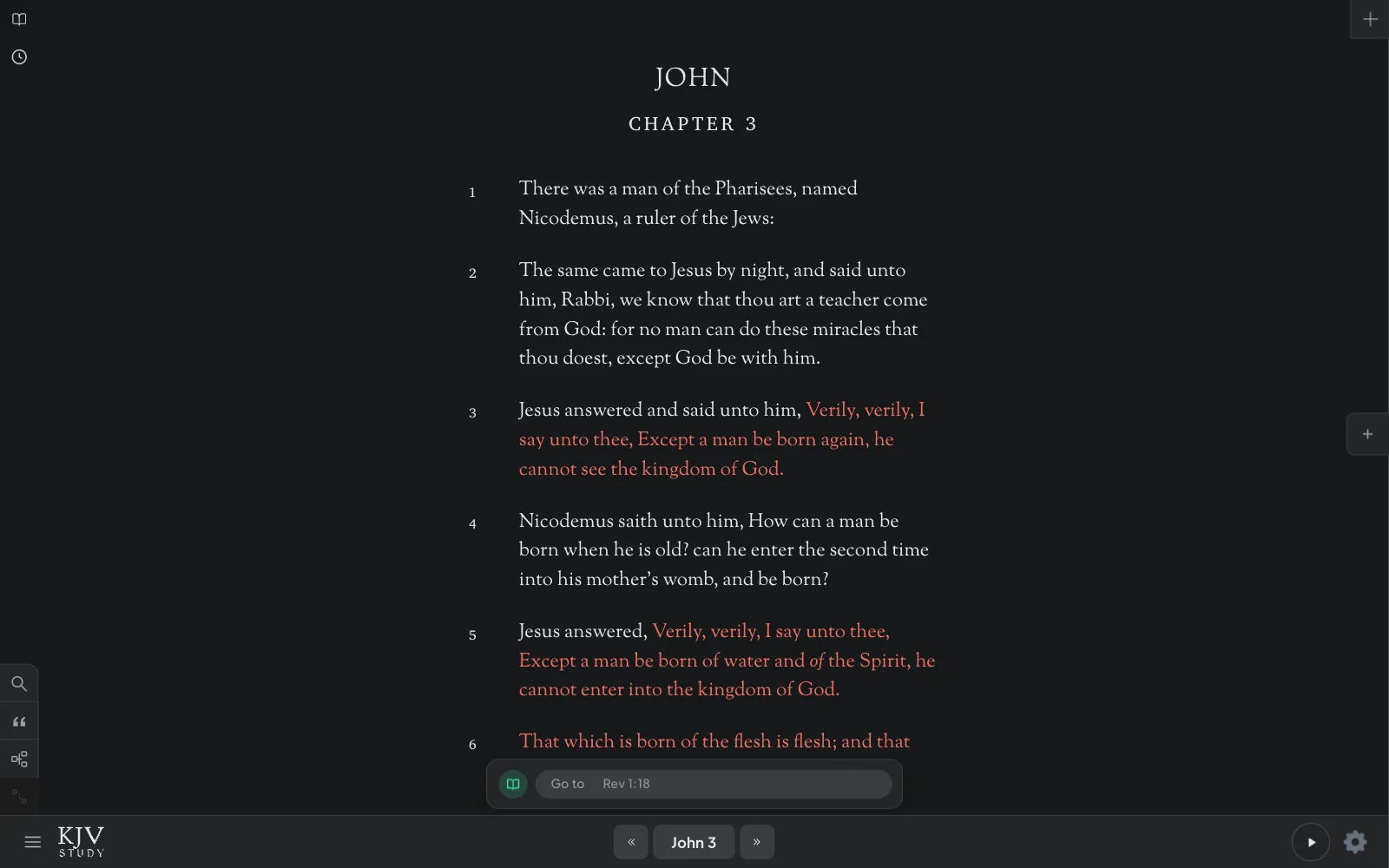
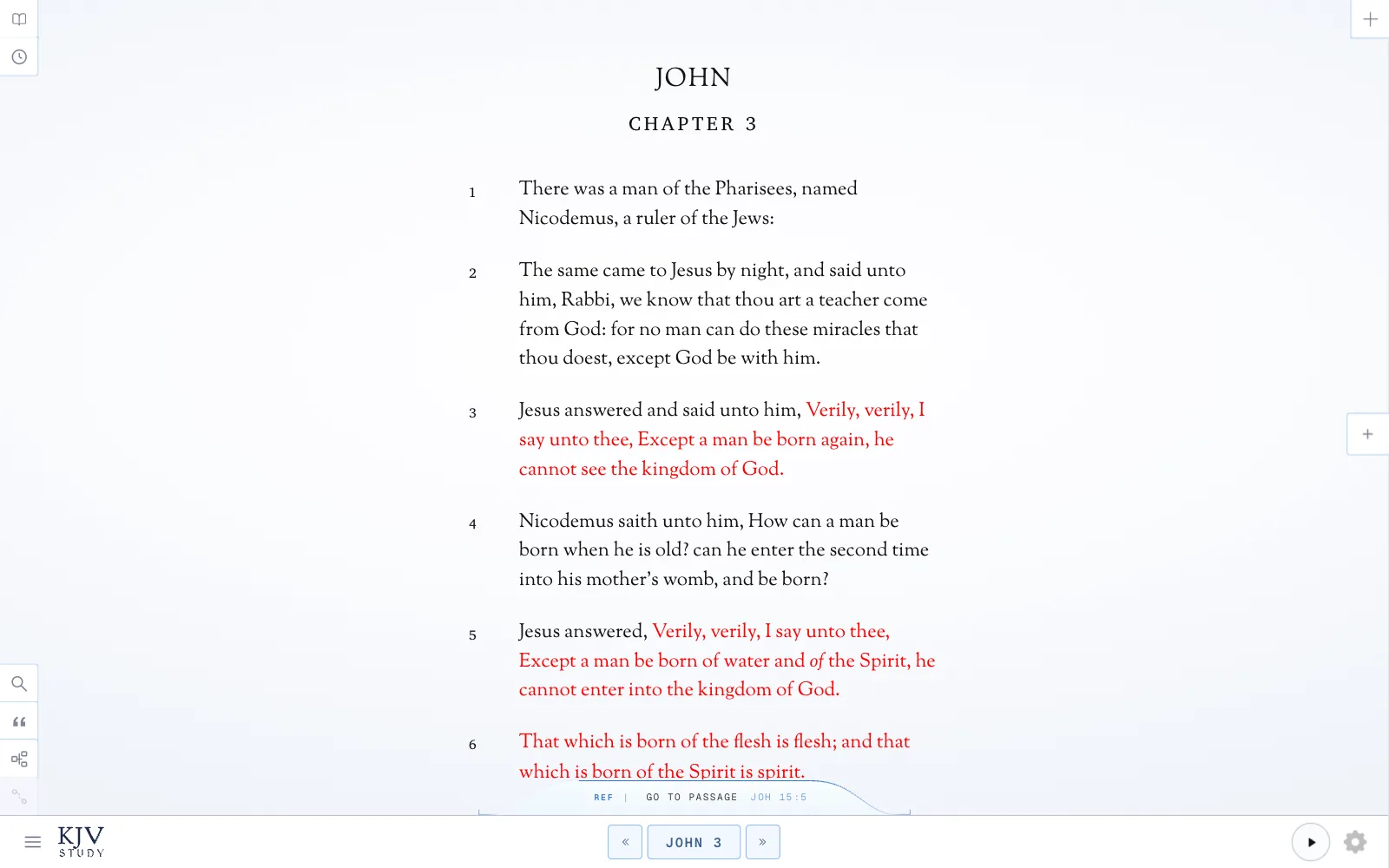
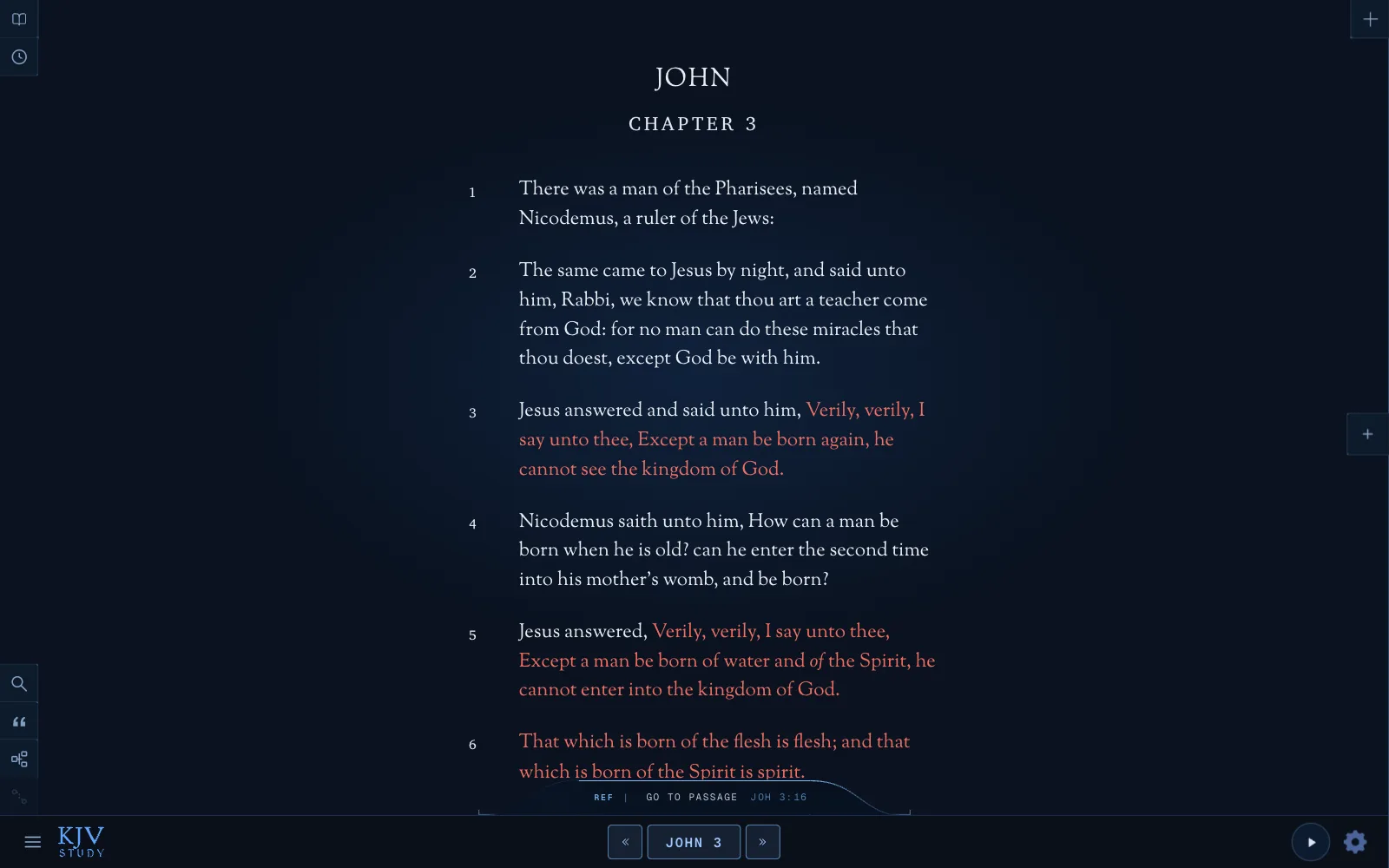
On a computer, the chapter appears in the middle of the screen, with the controls around the edges:
- The bar at the bottom. The menu is on the left, the chapter's name is in the middle, and Settings (the gear) is on the right. Arrows beside the chapter's name take you to the previous or next chapter. When audio is available, the play button appears beside the gear.
- Top-left corner. My Bibles and History.
- Bottom-left corner. The four study windows: Advanced Search, Primary References, Reference Trees and Journeys.
- Top-right corner. The + opens a second view beside your reading. See Splitscreen.
On a phone, the chapter's name appears in a rounded bar at the top, with tabs along the bottom. See Using KJV Study on a phone.
Five things to try first Press the chapter's name in the bottom bar and choose a book and chapter.
- Press the chapter's name in the bottom bar and choose a book and chapter. See Going to a passage.
- Click a verse. When the action bar appears, press Cross References to see its related passages. See Cross references.
- Right-click a verse to highlight it, copy it, or look up one of its words.
- Open the gear to choose how the page looks: Clean or Future, light or dark, and the font and text size you find easiest to read. See Settings.
- Press play at the bottom right to hear the chapter read aloud. See The Audio Bible.
Do I need an account? No.
No. You can read, search, follow cross references, open the study windows, and listen without signing in. Highlights you make while signed out are saved in this browser and move into your account if you create one later.
An account is free. You'll need an email address and a date of birth, and you must be 13 or older. See Your account.