The Volunteer Board
Find ways to help with KJV Study, apply for a task, and work with the team.
Browsing tasks When the Volunteer Board is open, you'll find it under Get Involved in the menu.
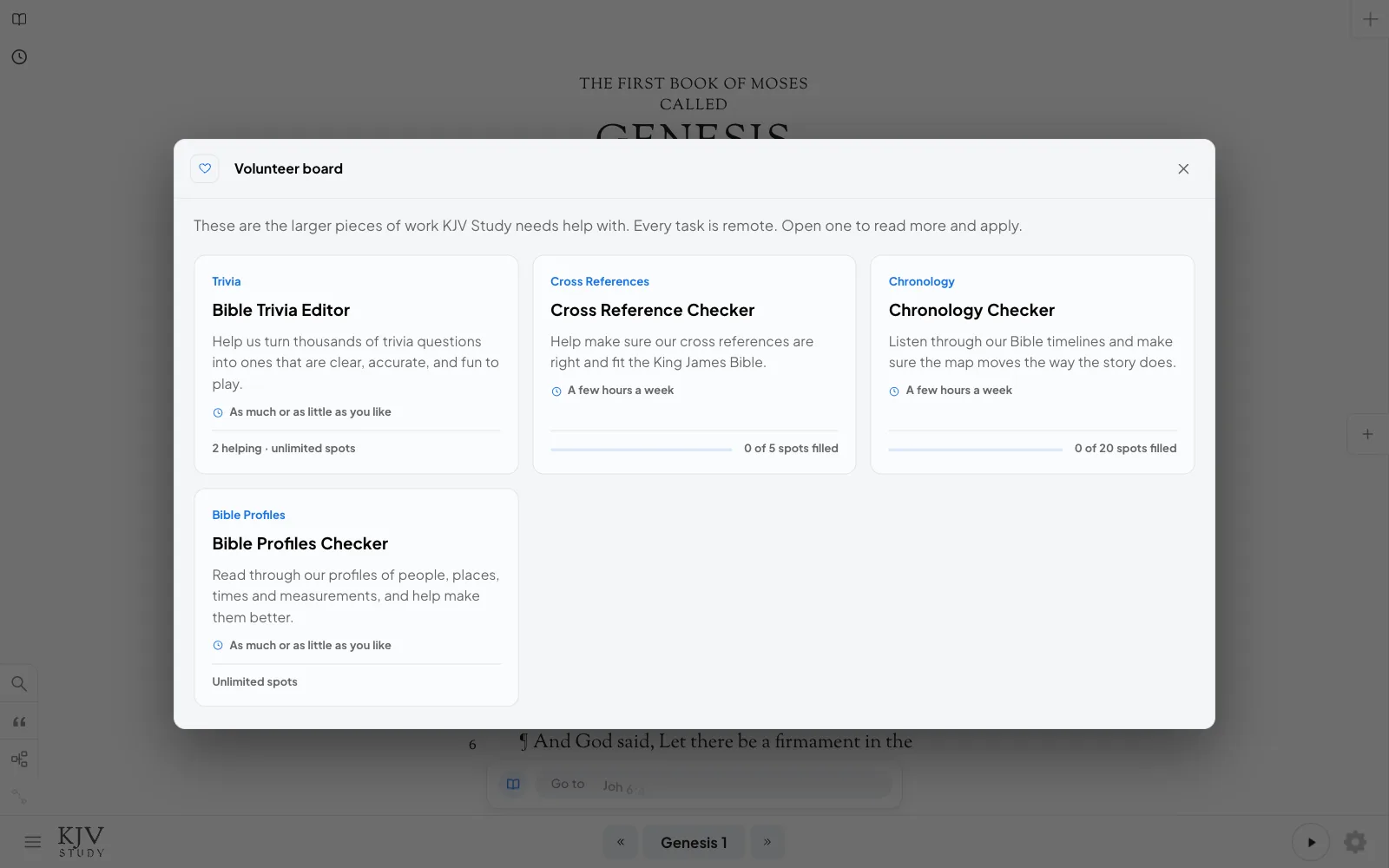
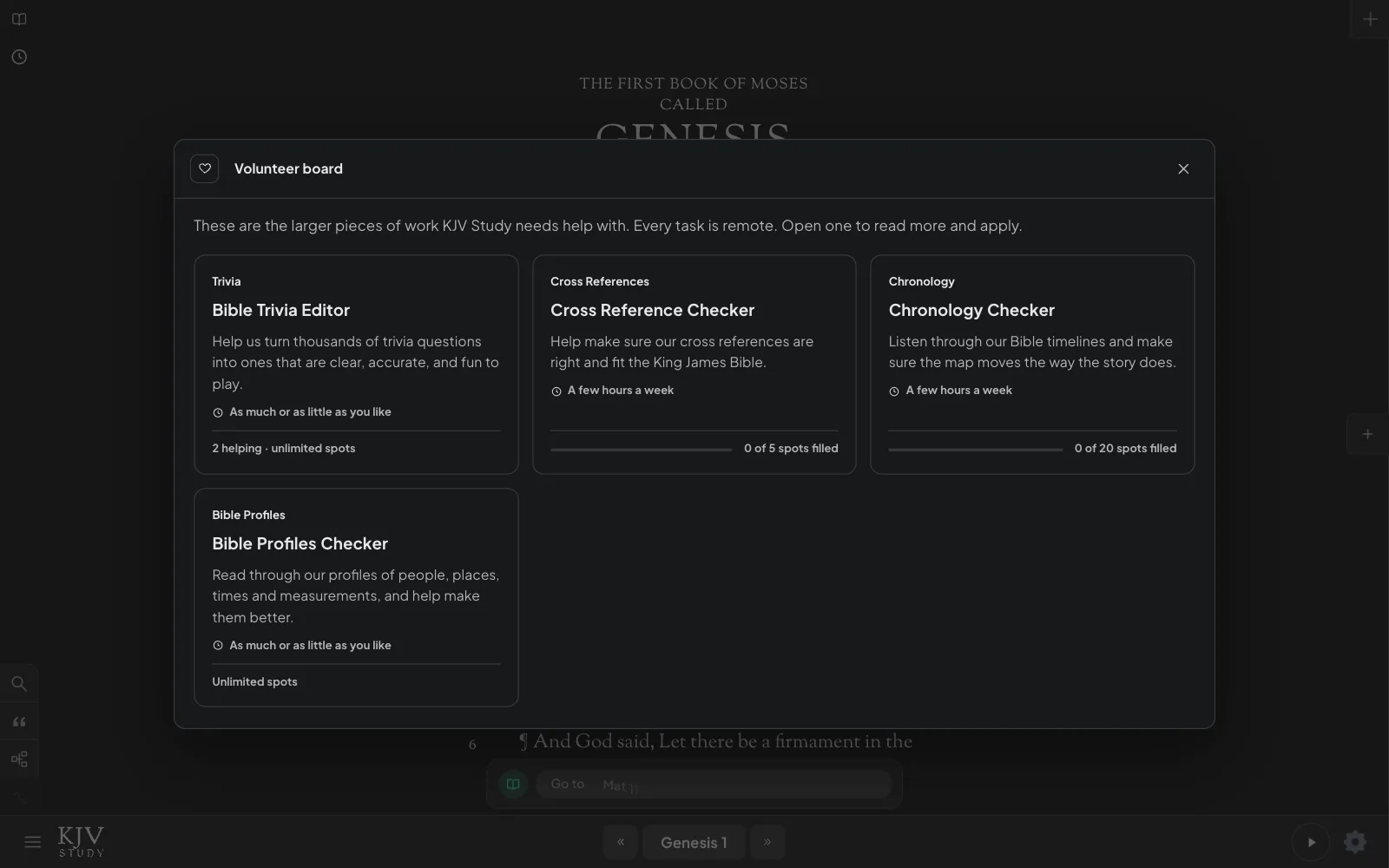
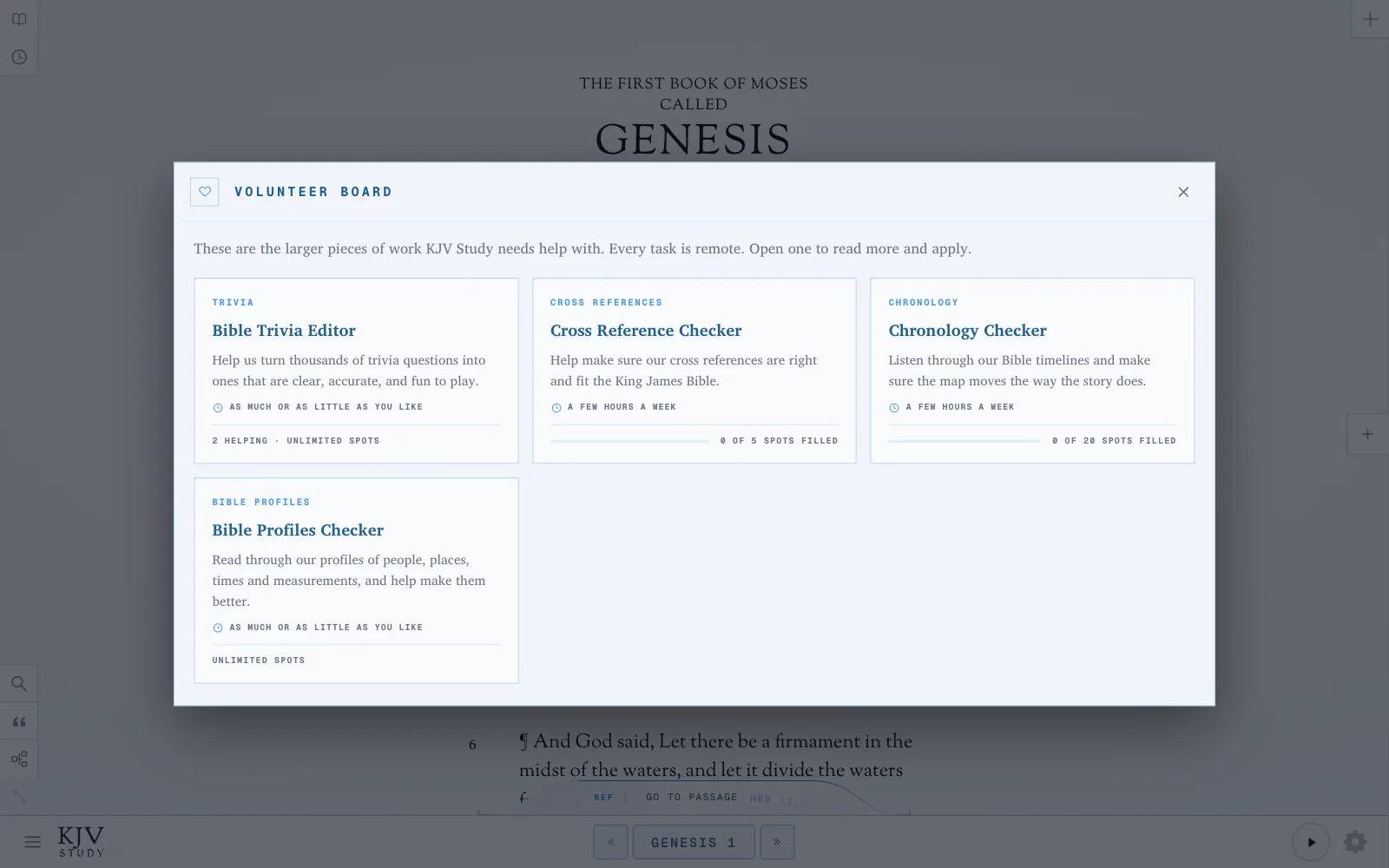
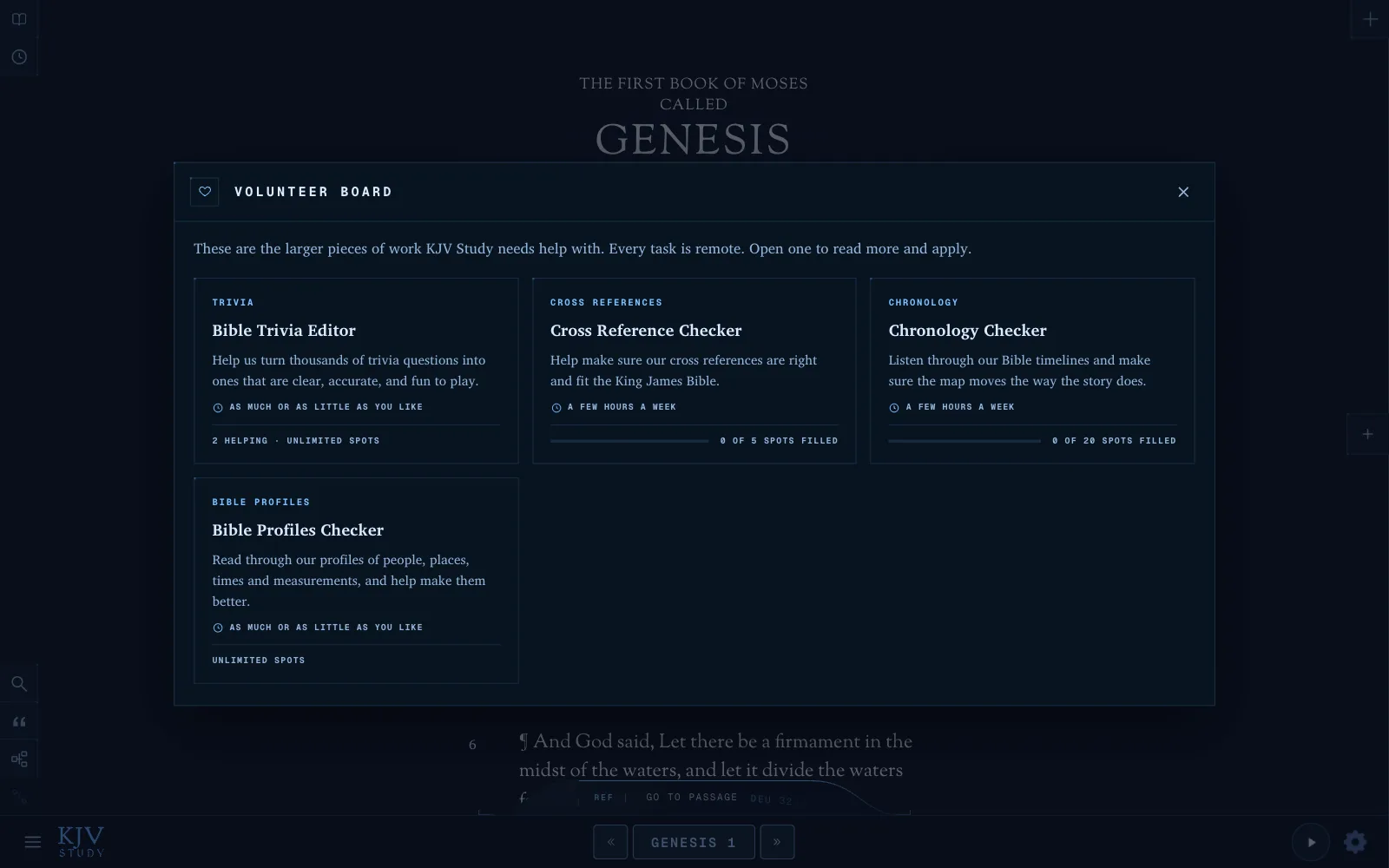
When the Volunteer Board is open, you'll find it under Get Involved in the menu. Anyone can browse. Each task explains the work, estimated time, number of people needed, deadline, and helpful skills or experience. All tasks can be done remotely.
Applying Sign in or create a free account.
- Sign in or create a free account.
- Open a task and answer its questions.
- Press Apply for this task. You'll see Application sent, and you can Withdraw at any time.
- Once you're accepted, use Open Messages to connect with the team.